
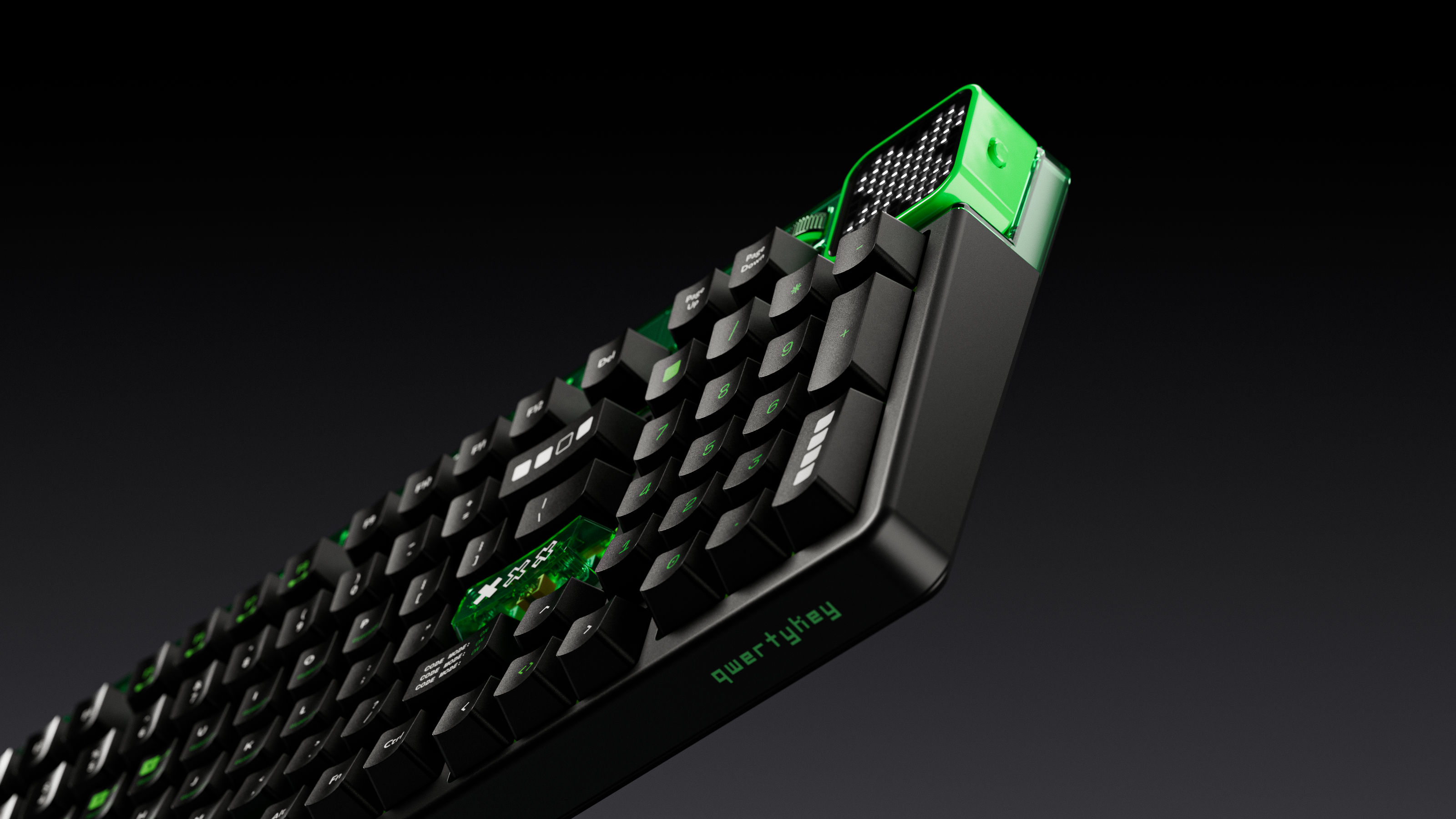
Mechanical Keyboards
Gaming and Office Mechanical Keyboards. Enjoy QwertyKey mechanical keyboards for both gamers and enthusiasts! The widest range of mechanical keyboards and accessories!
Filtered
31 products
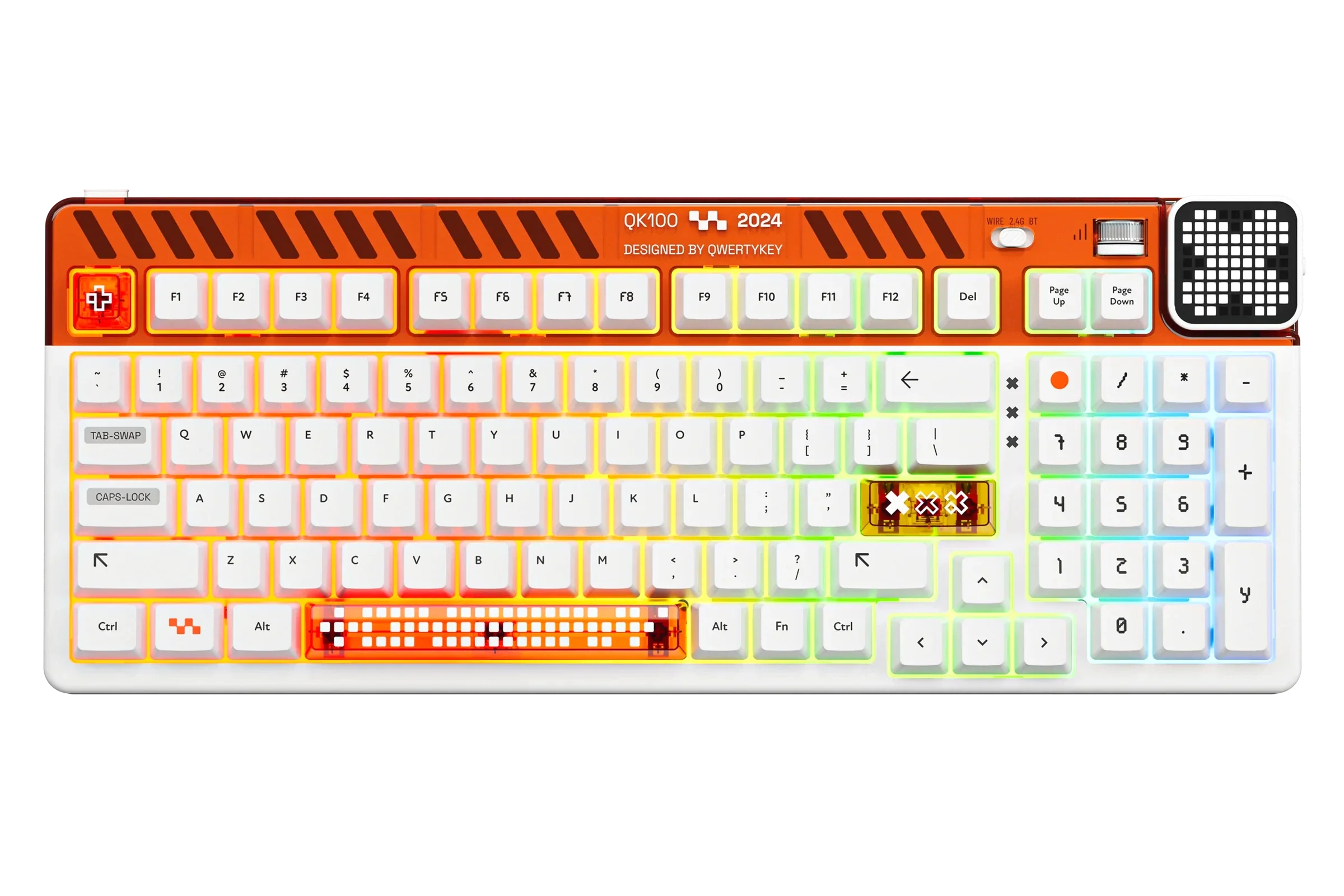
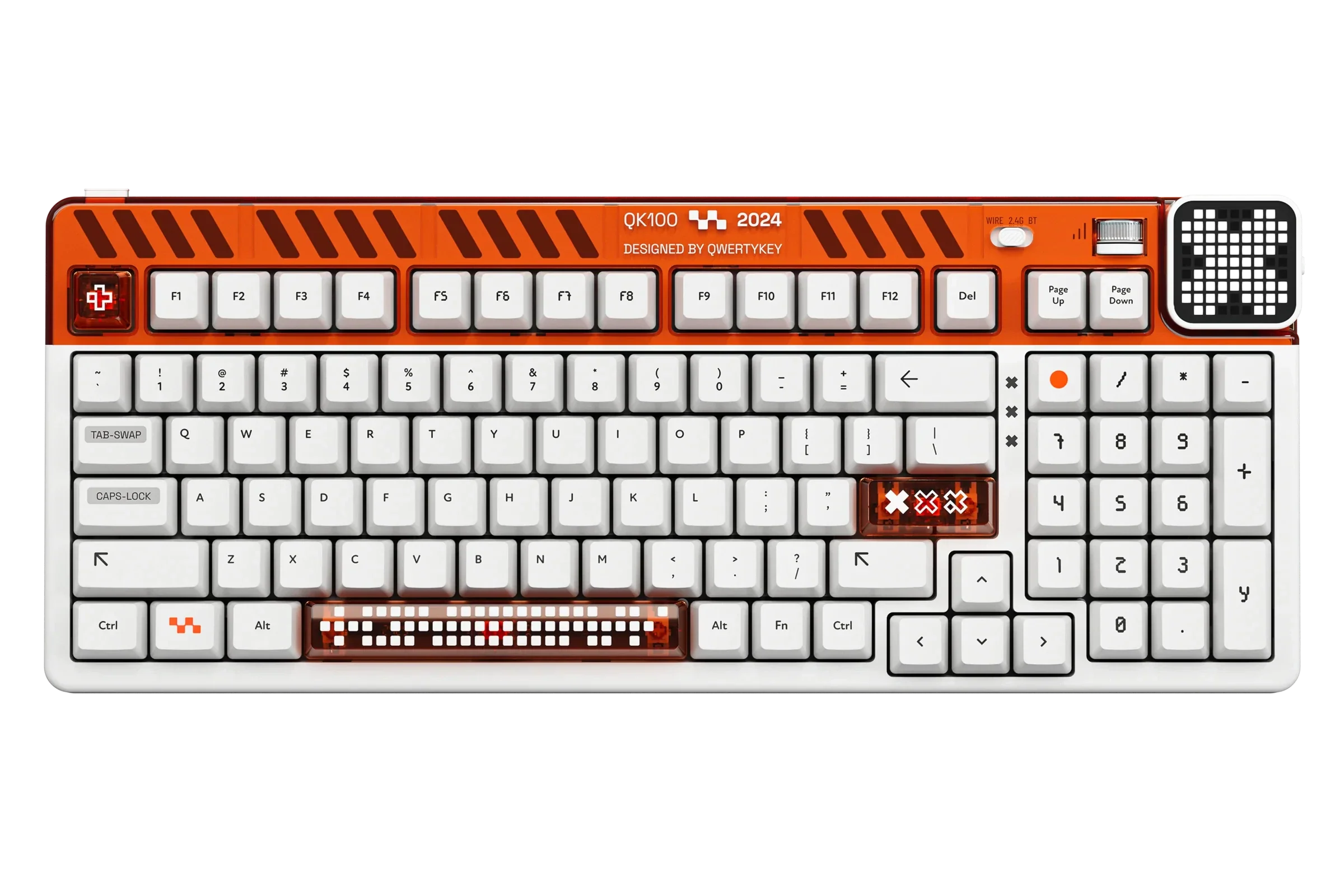
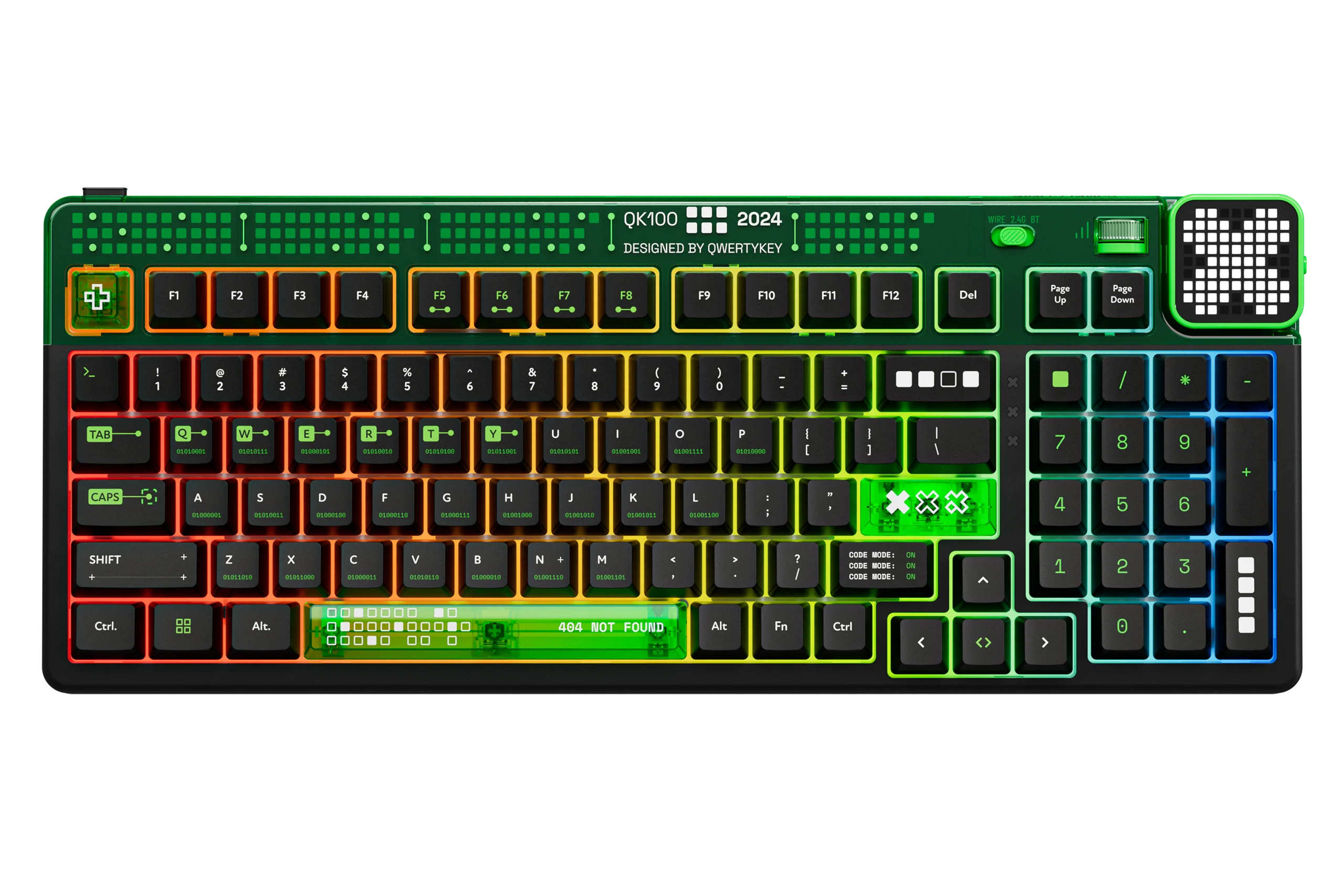
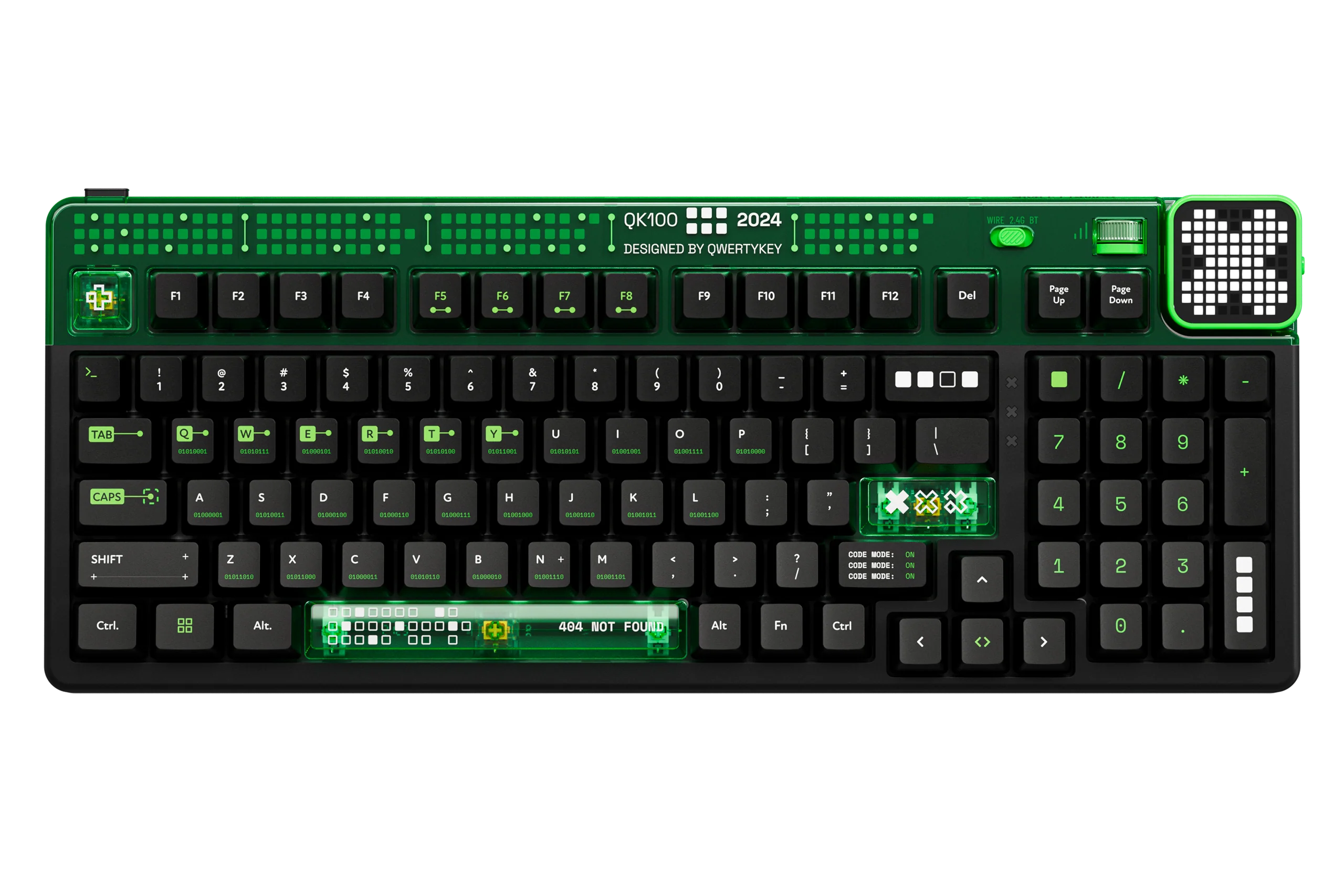
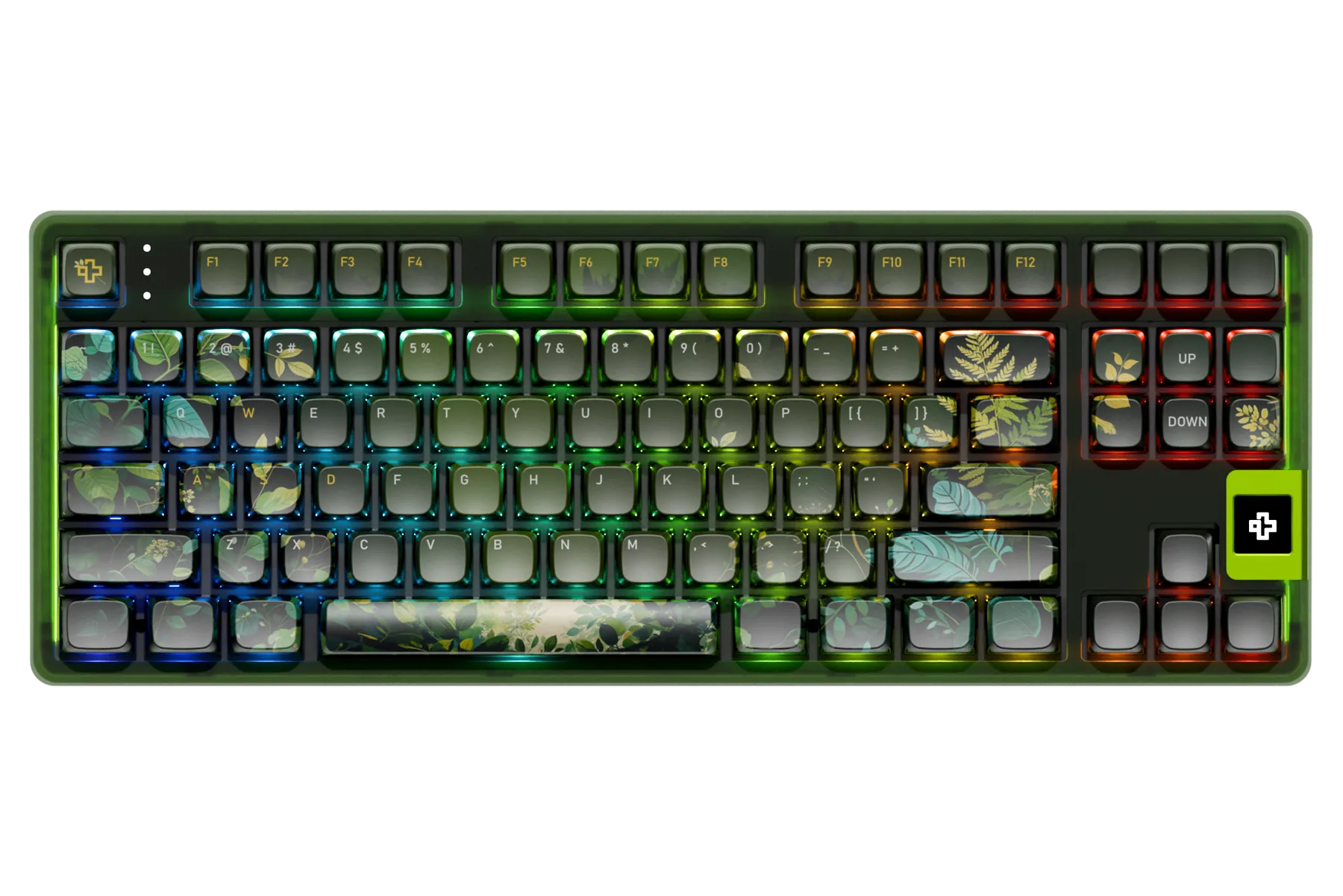
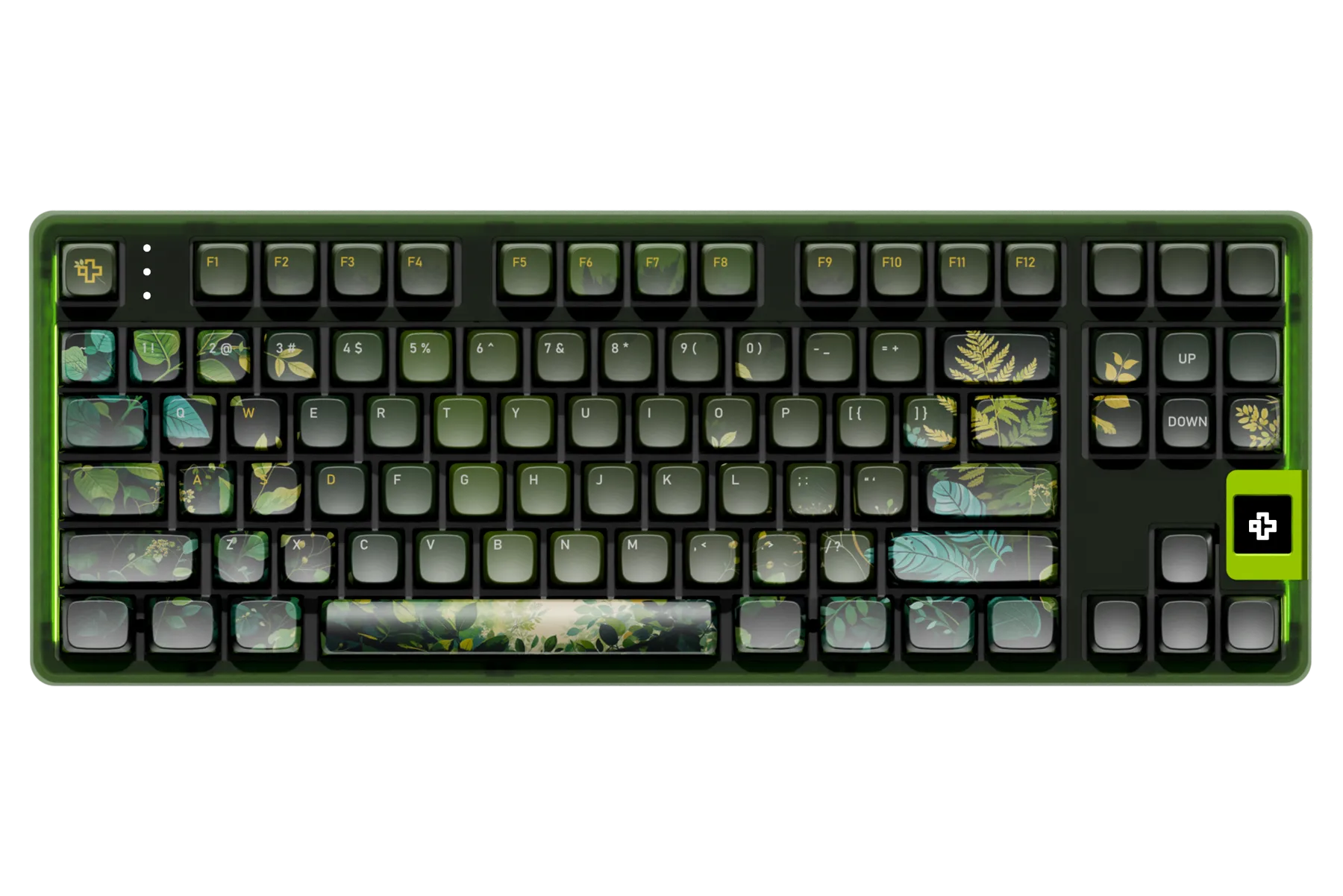
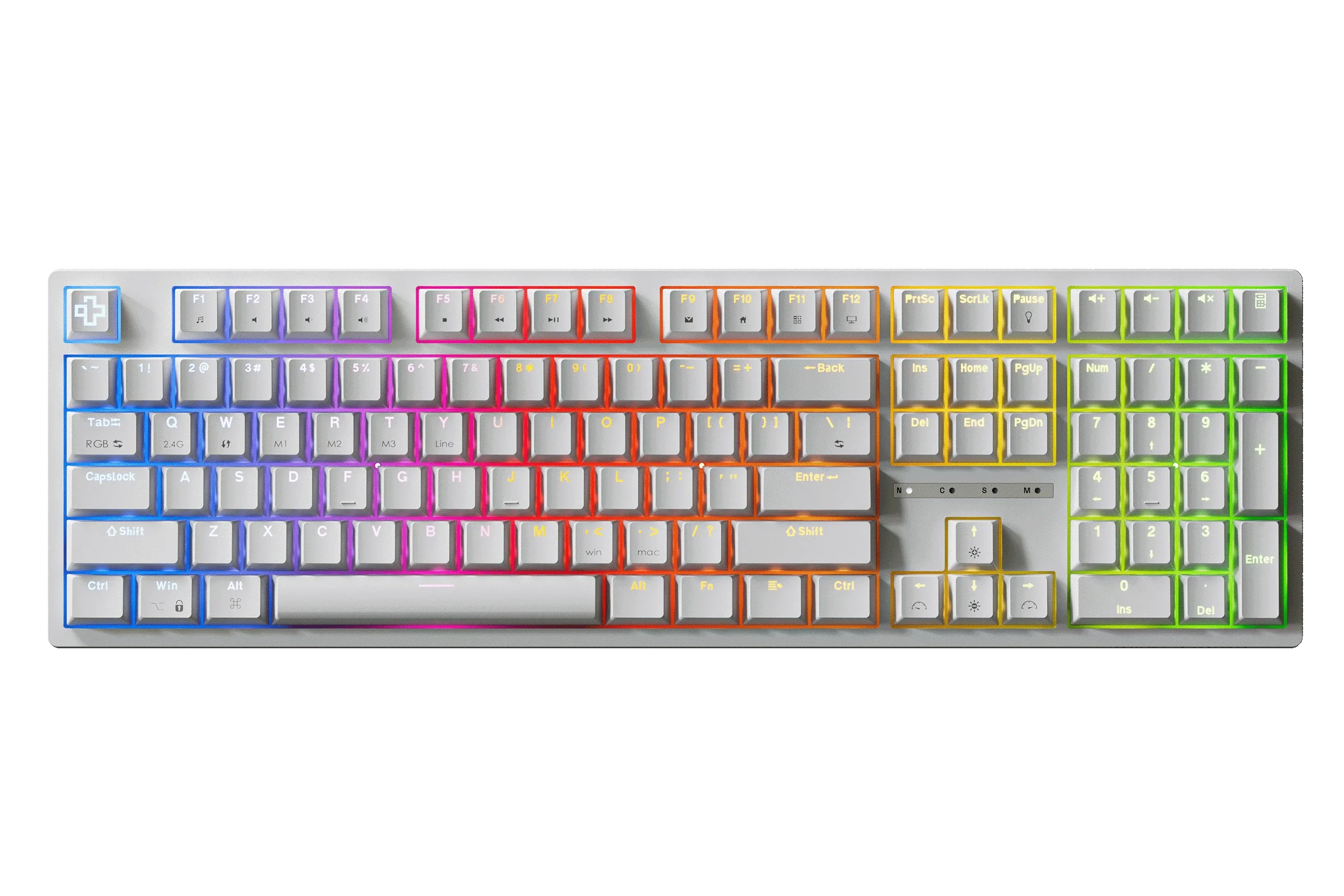
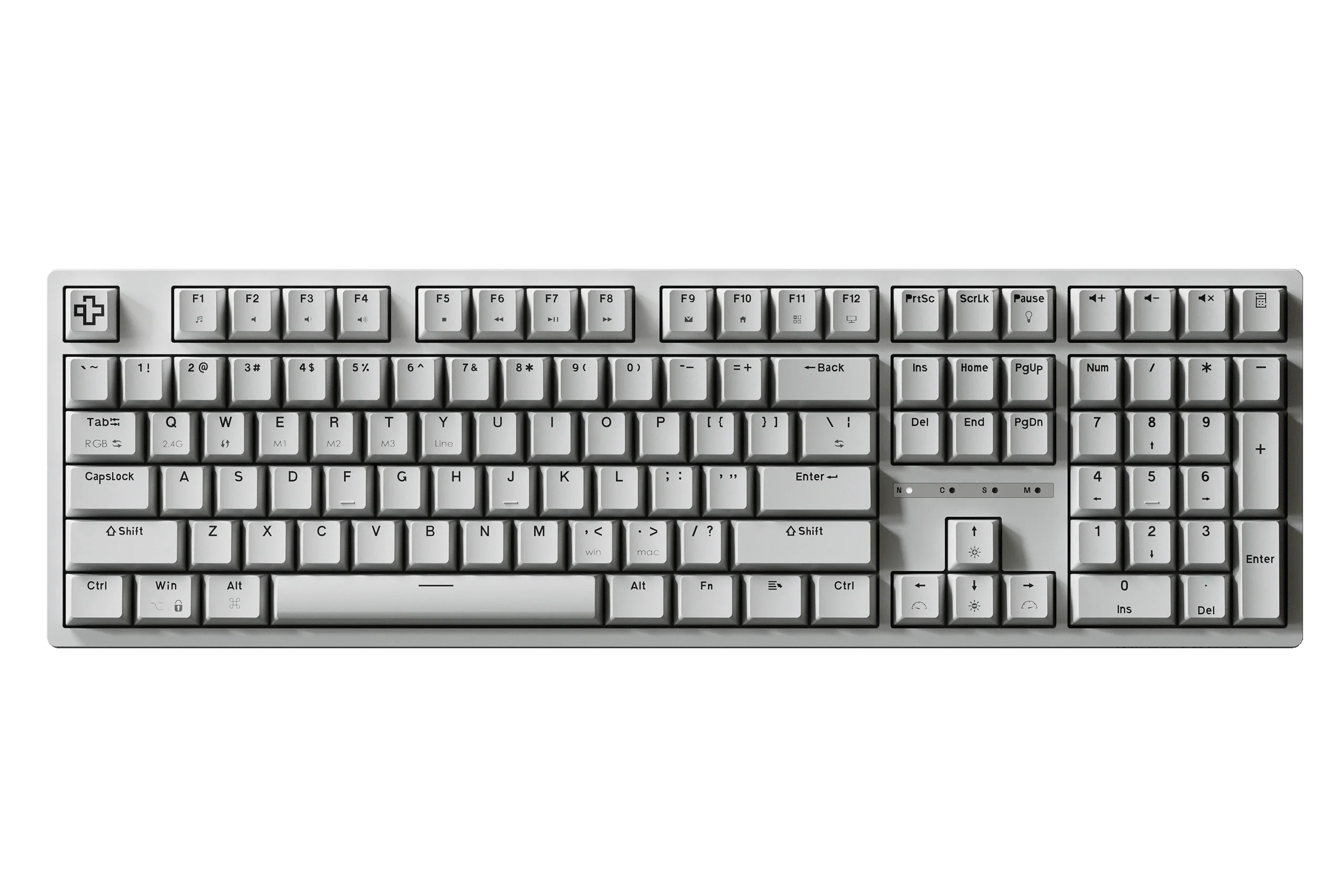
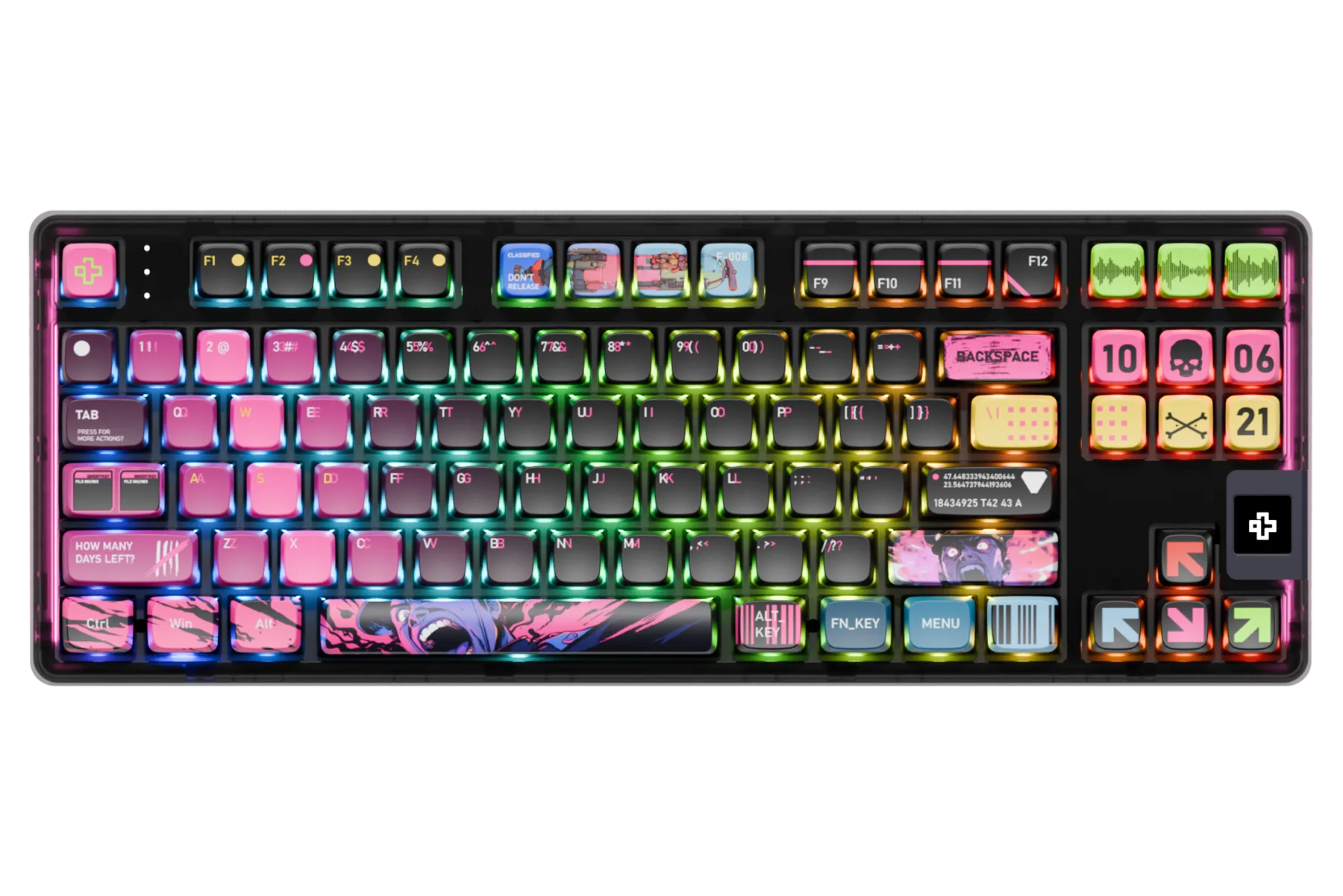
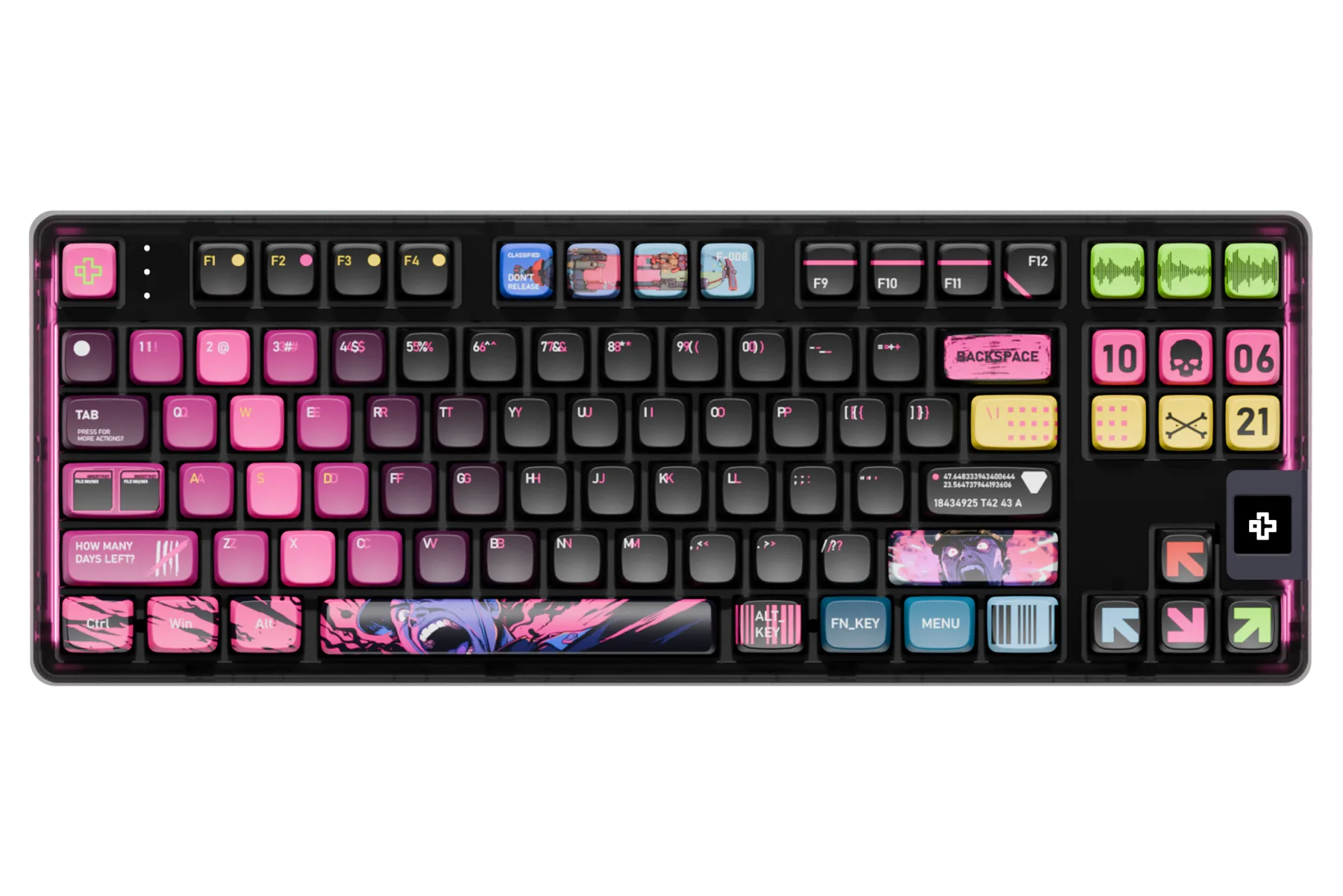
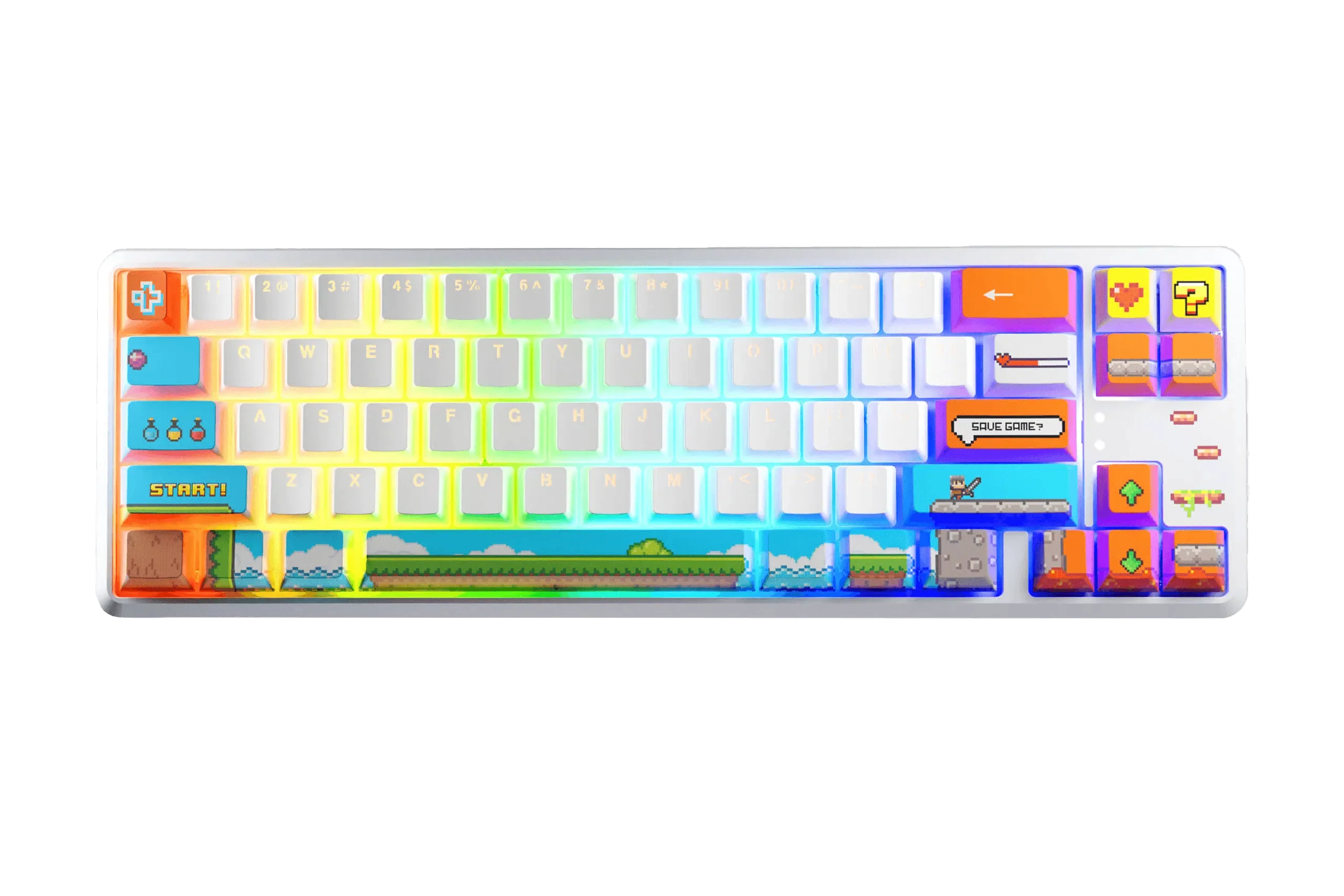
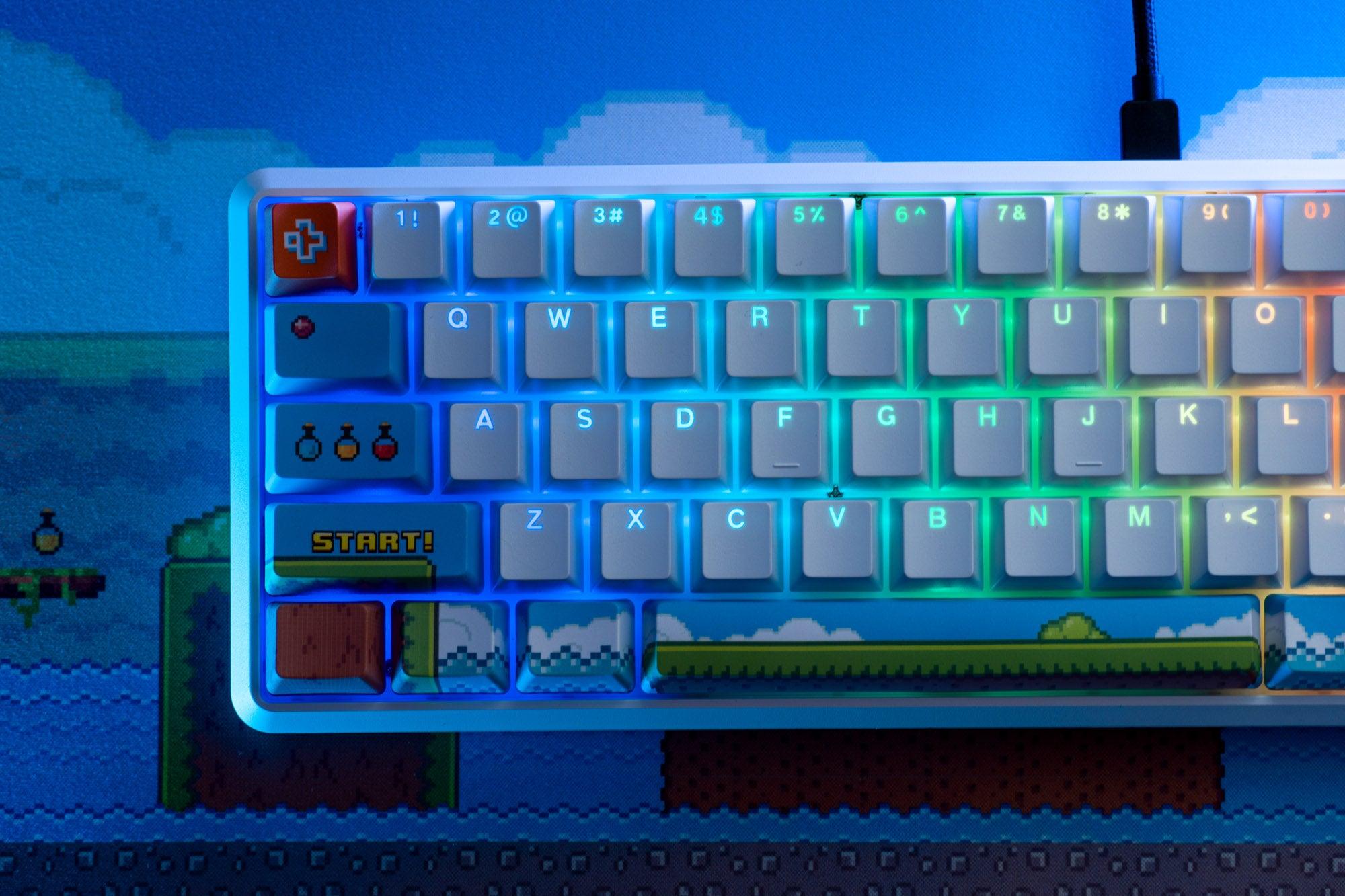
What Is a Mechanical Keyboard?
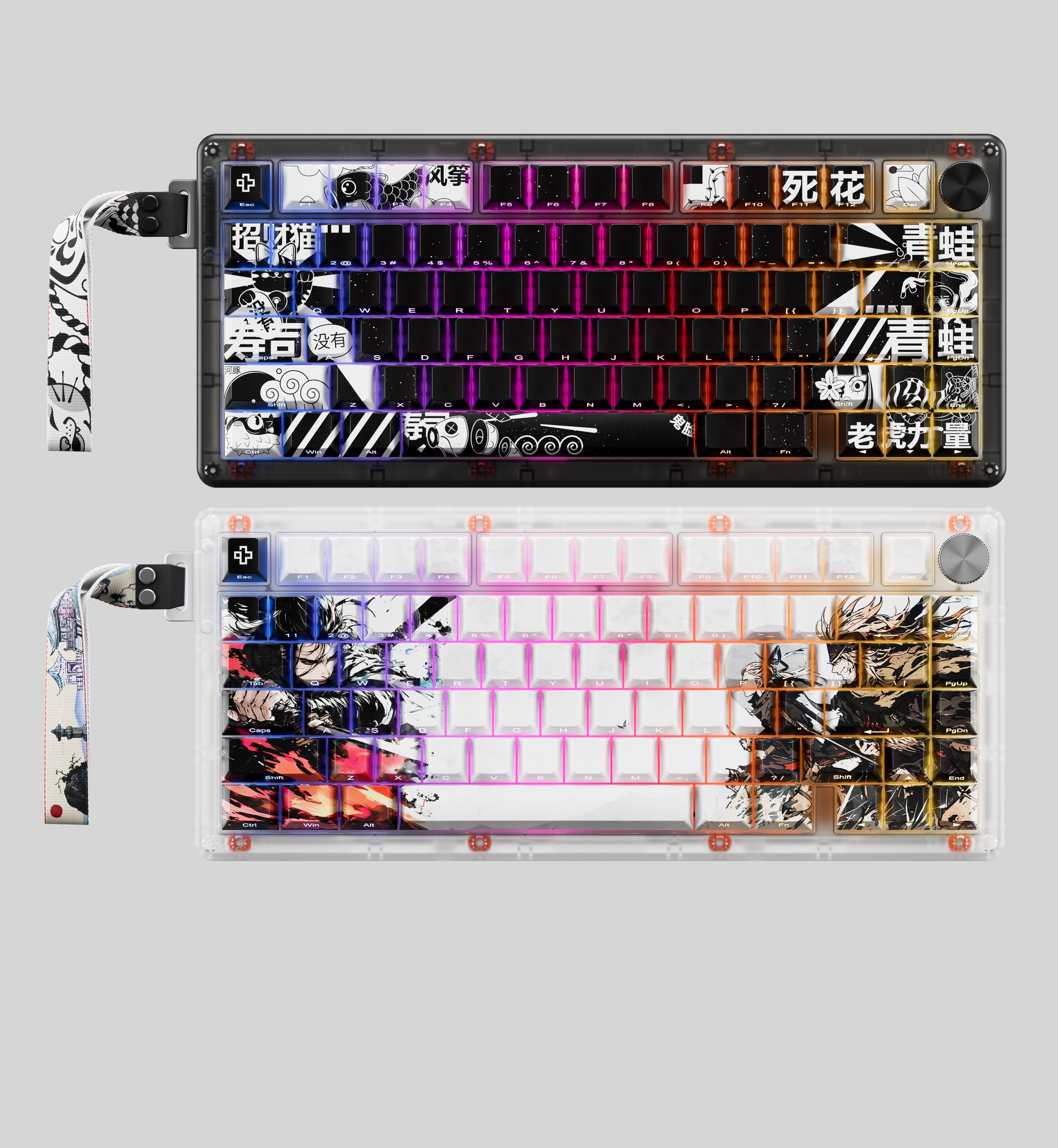
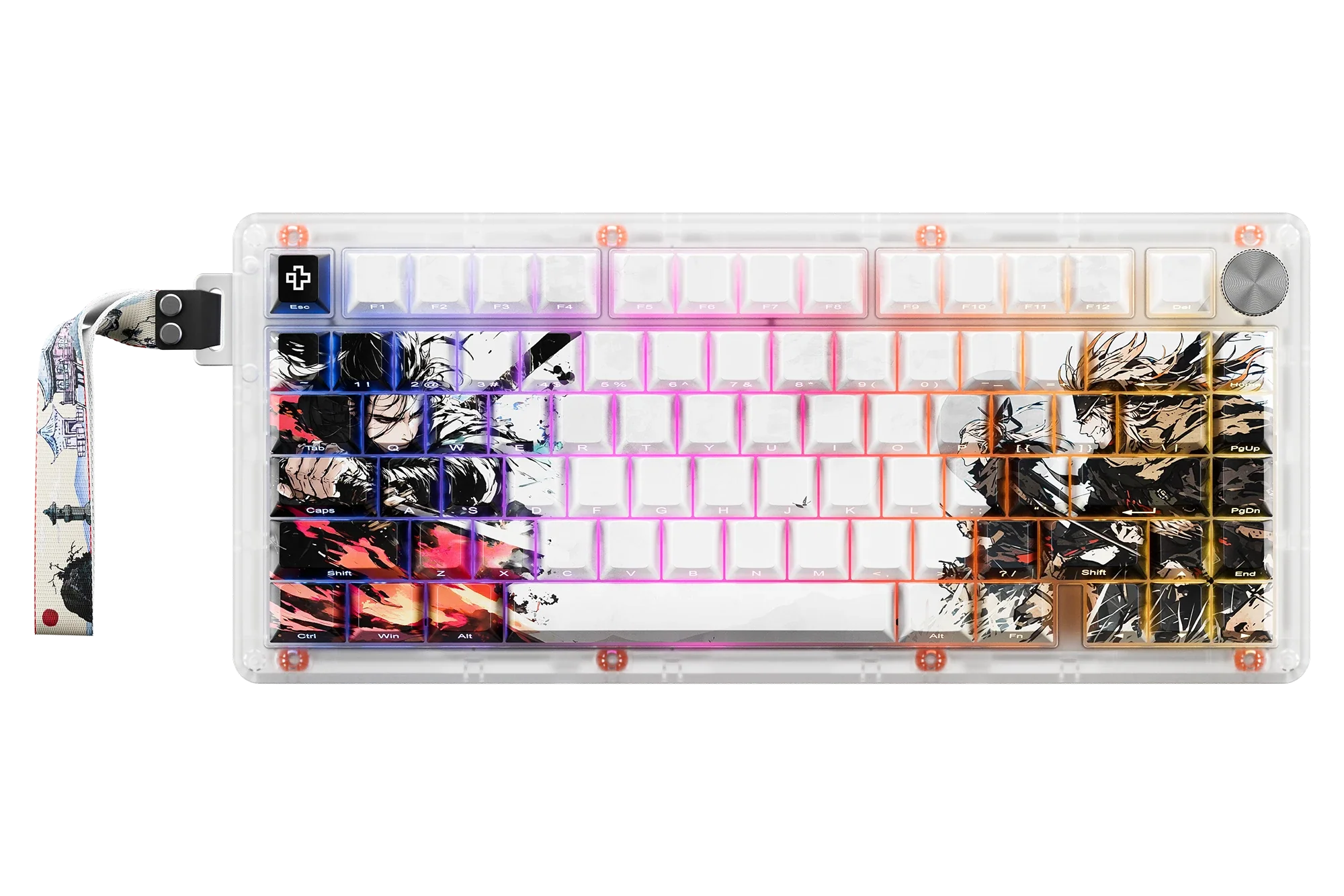
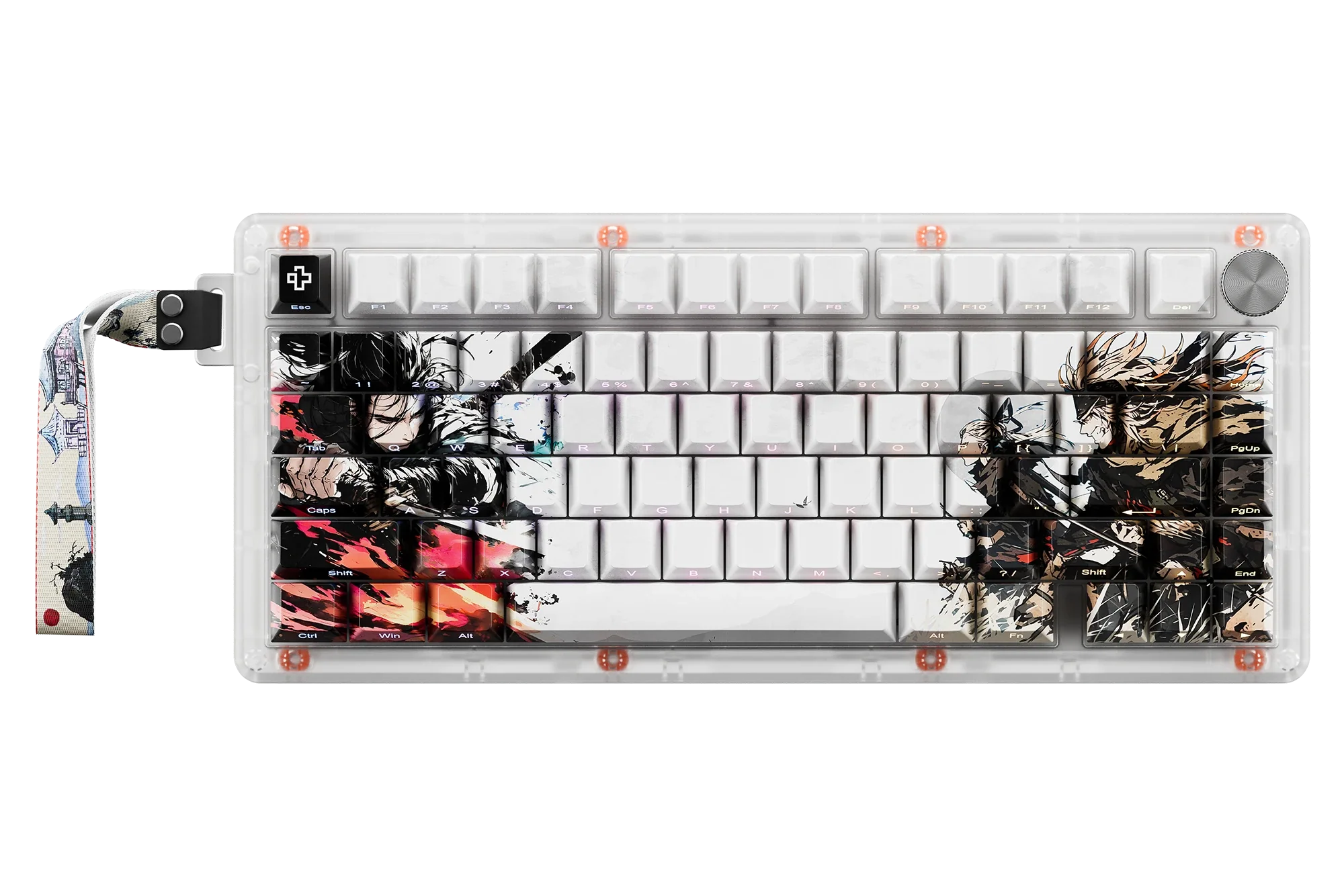
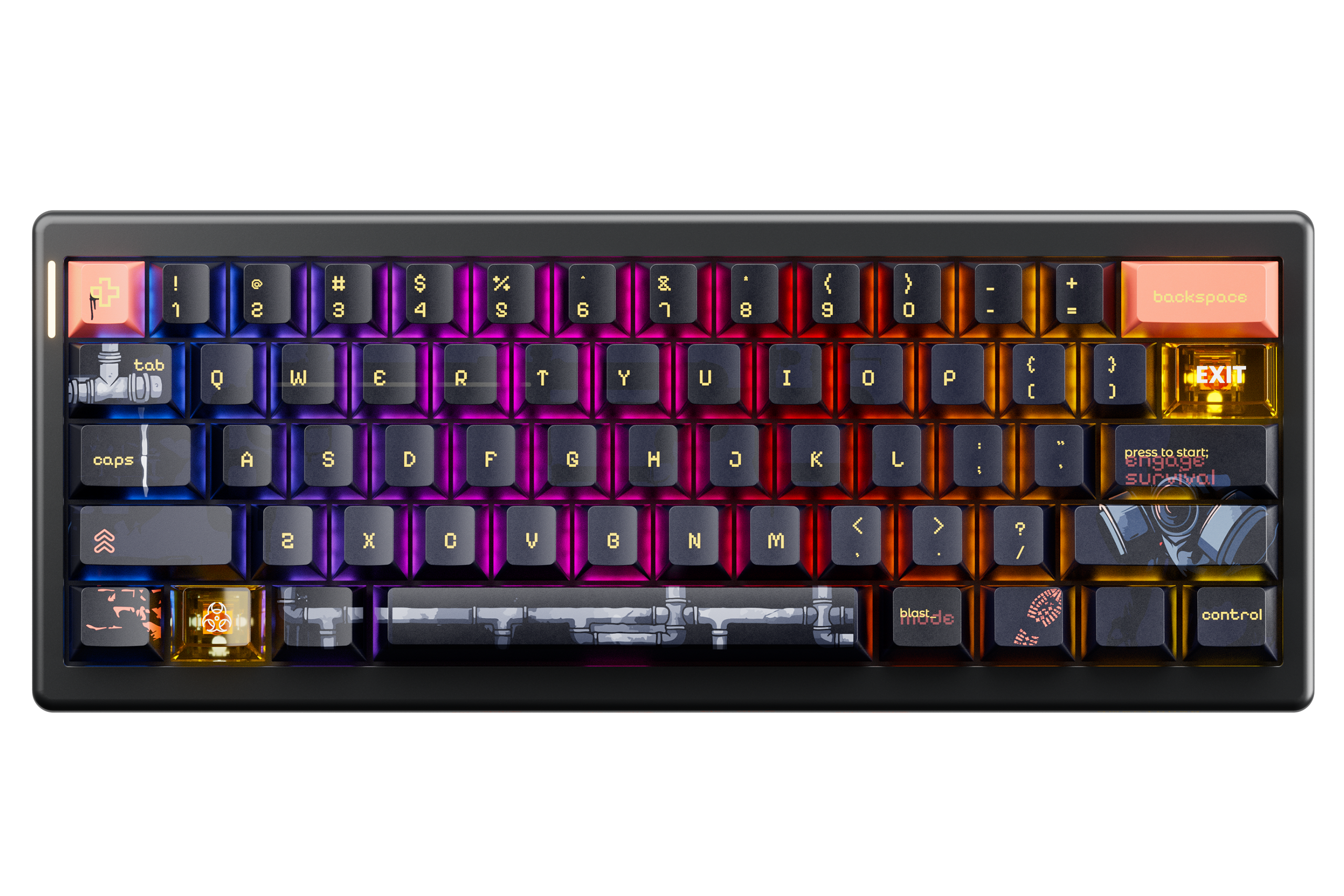
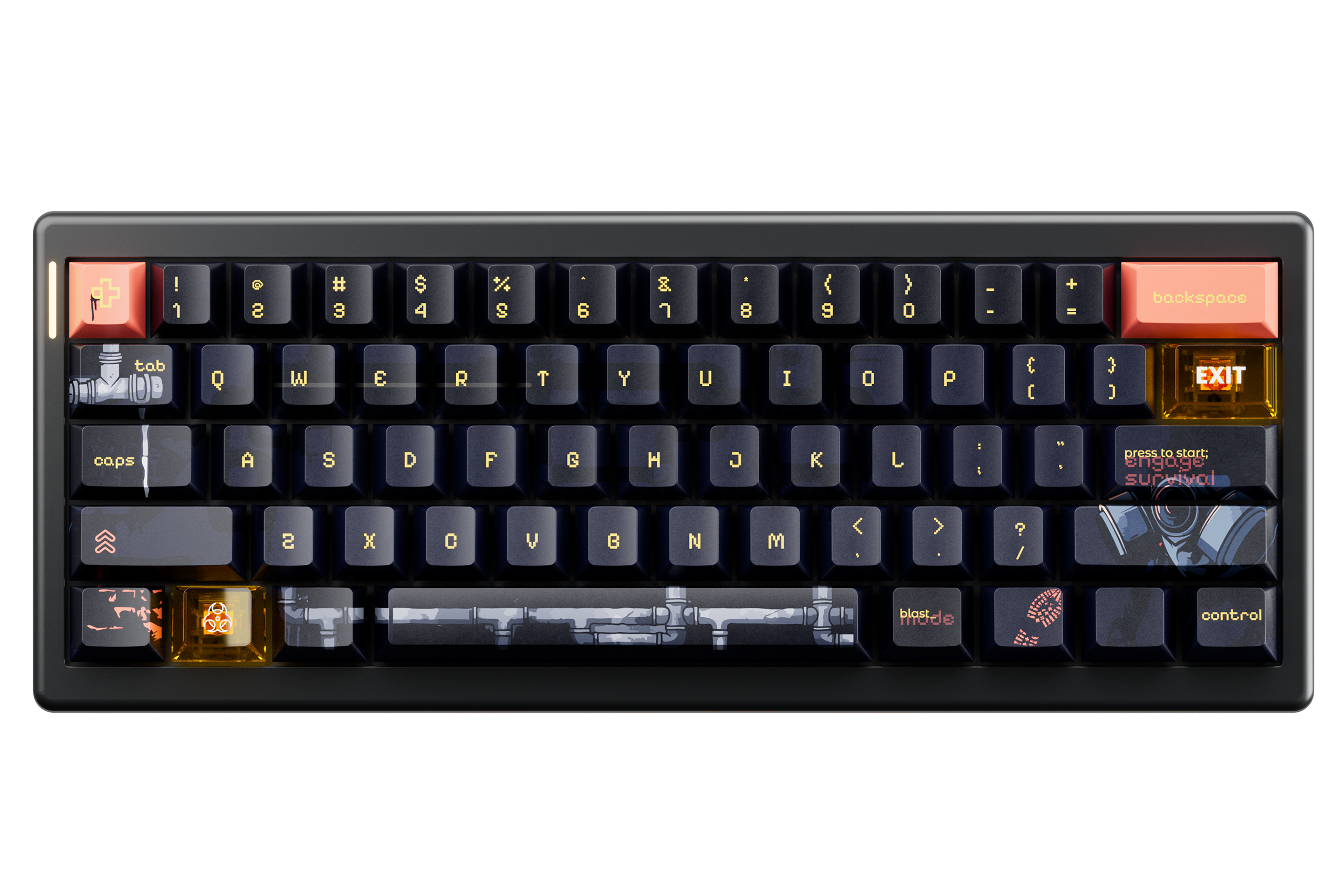
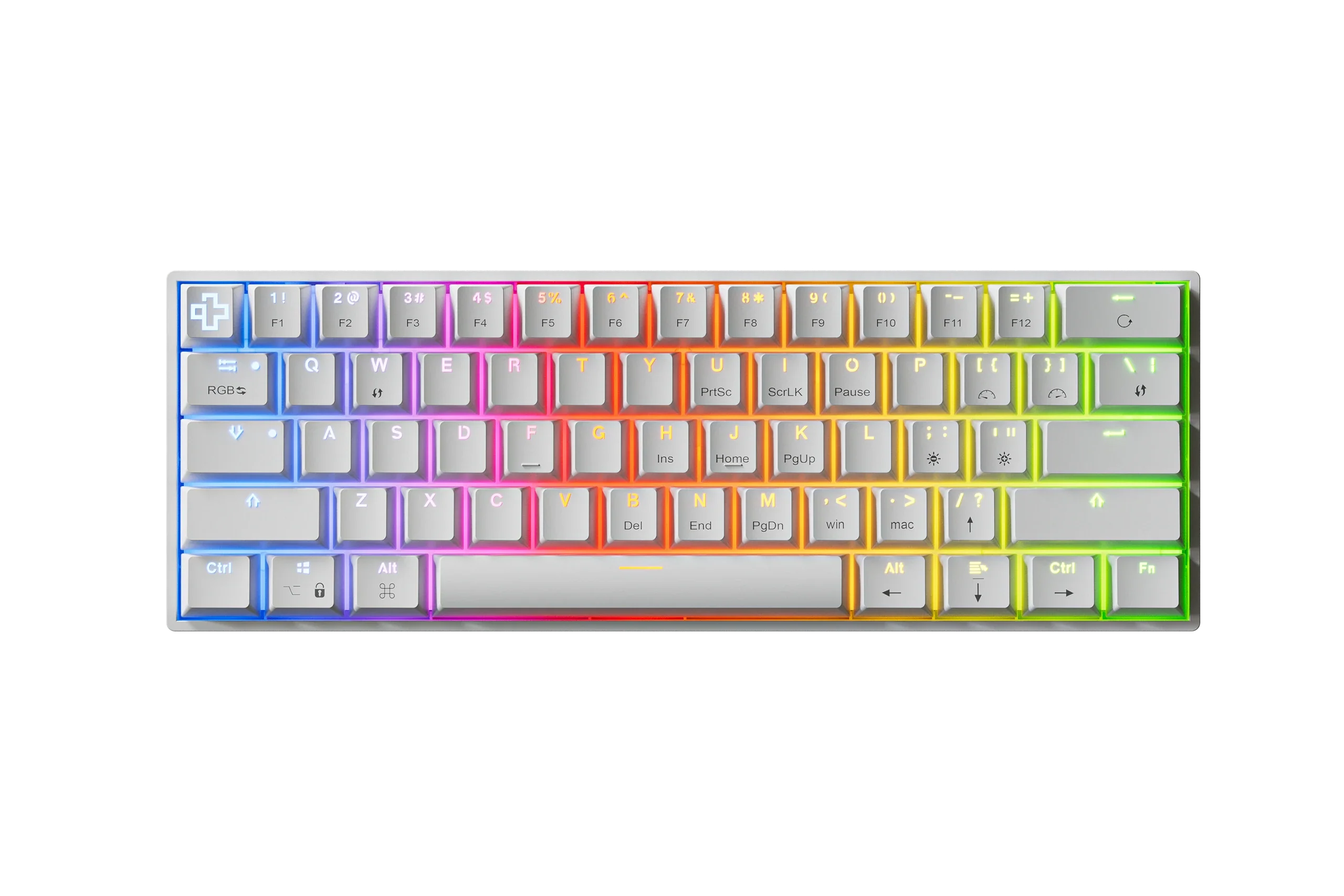
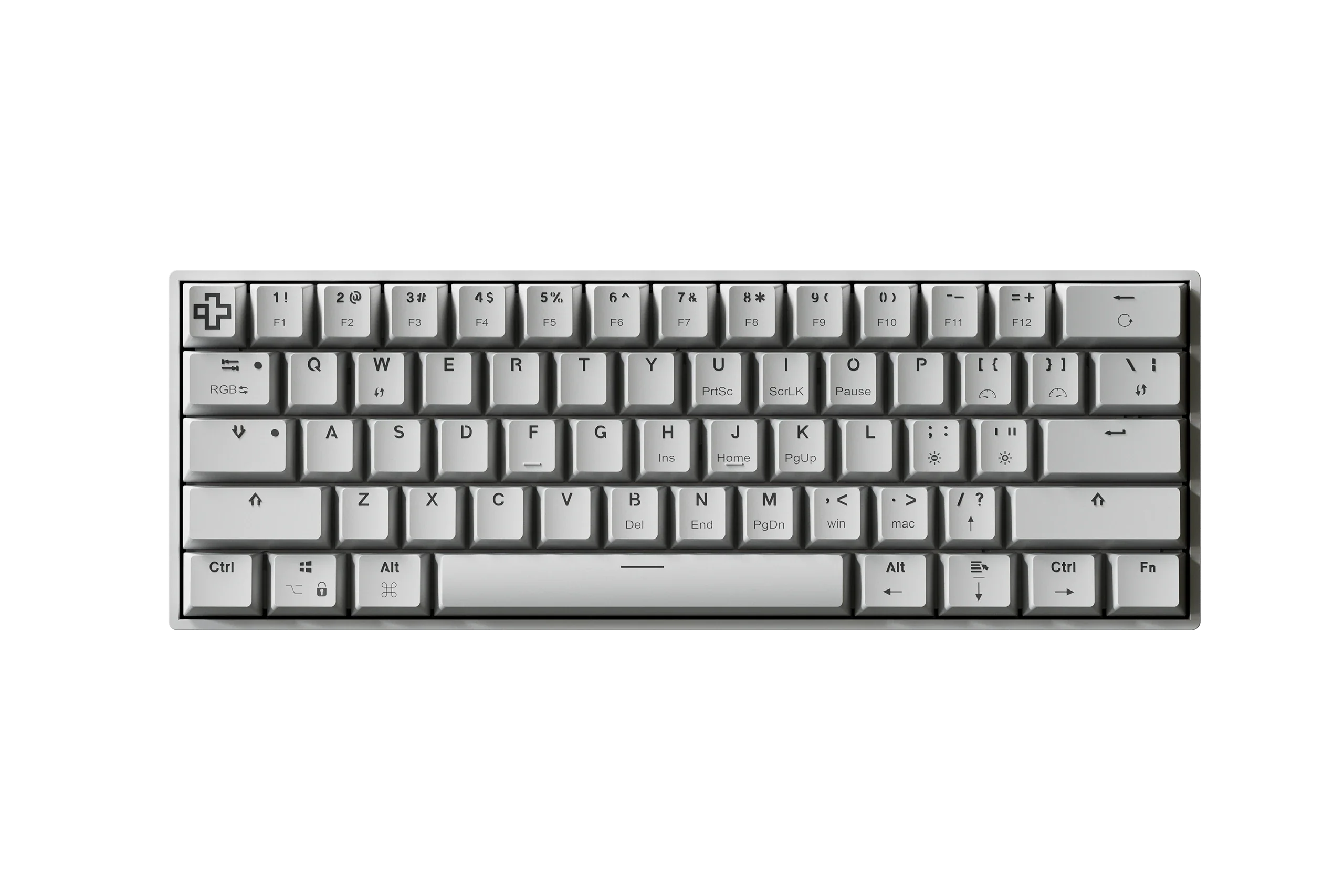
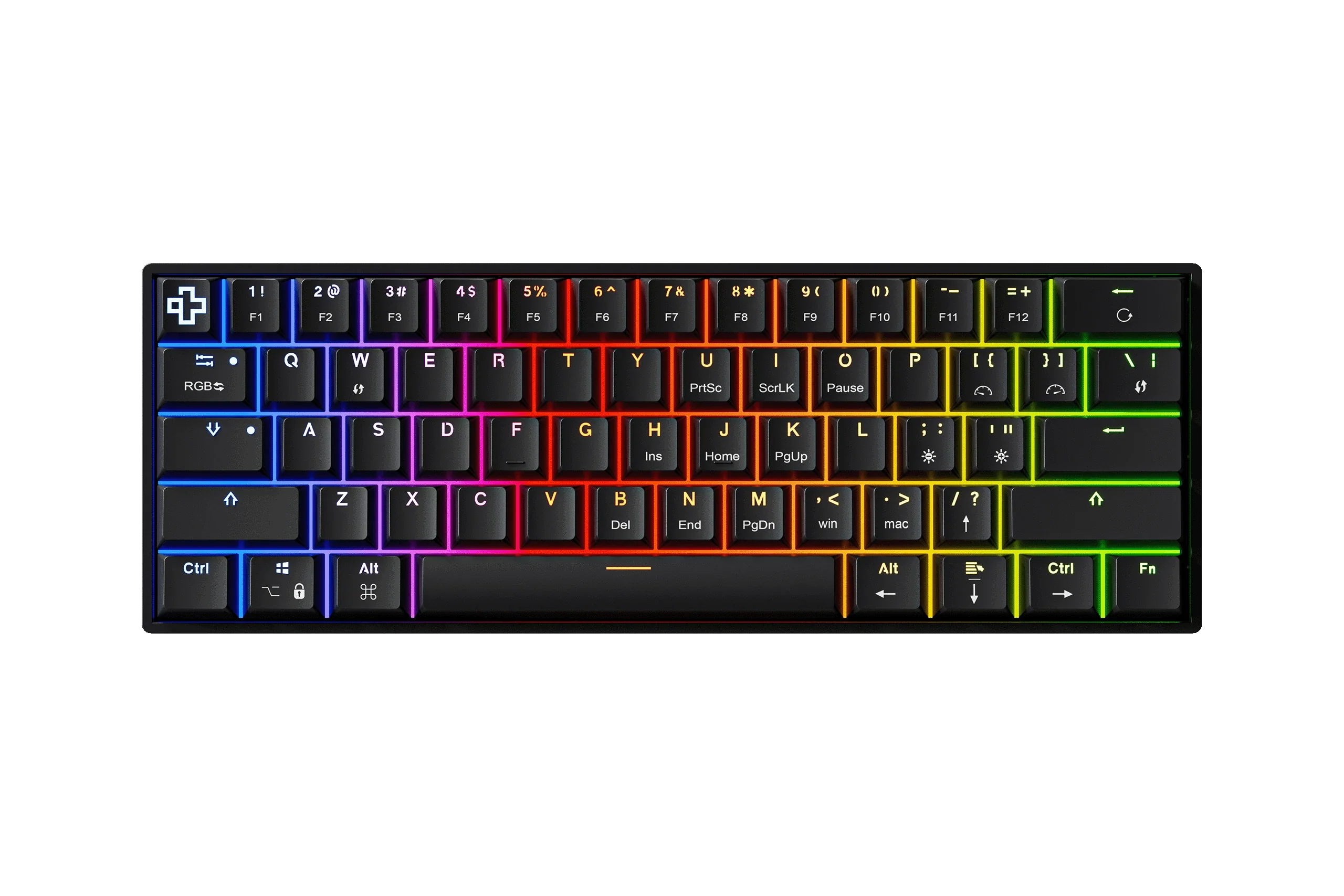
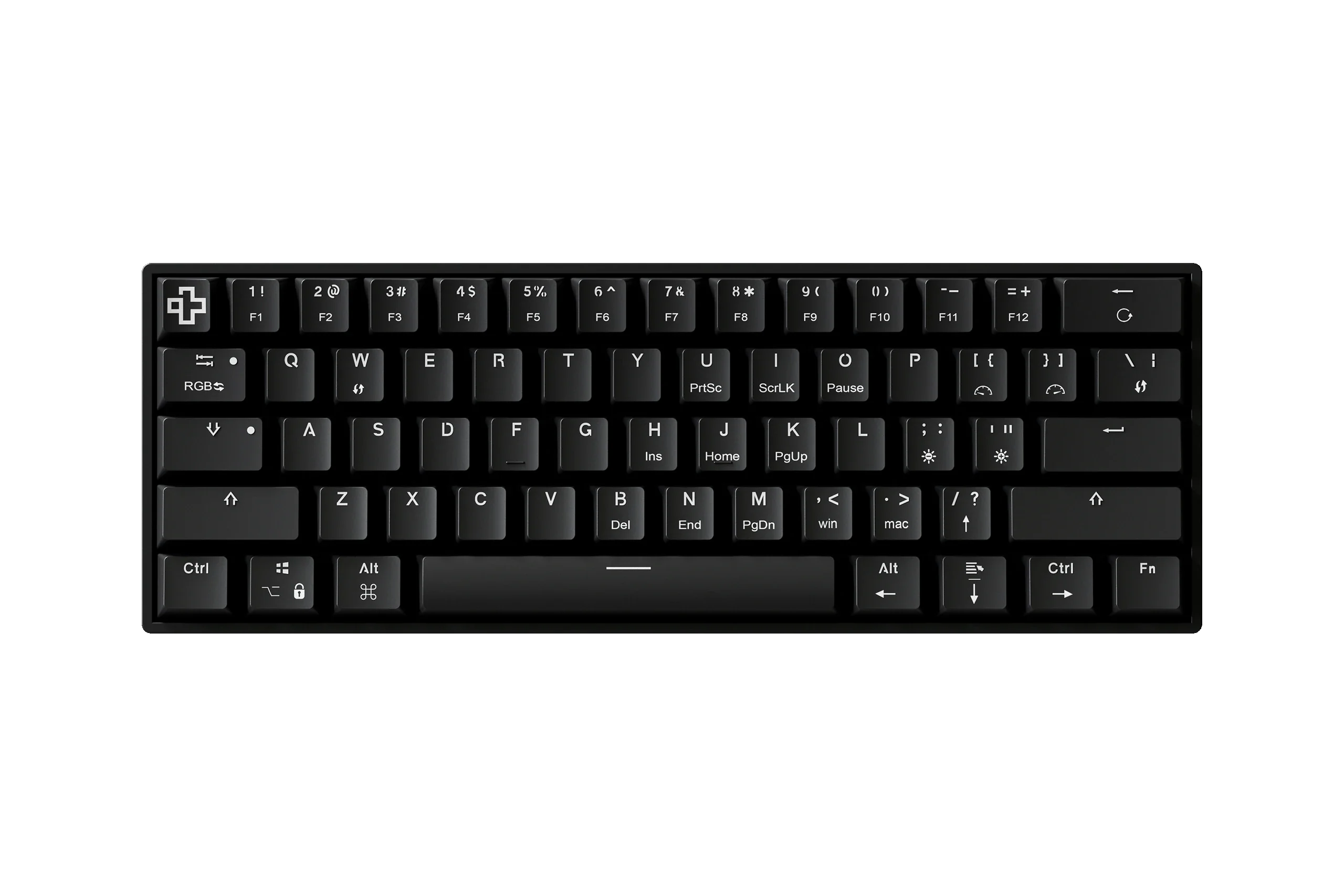
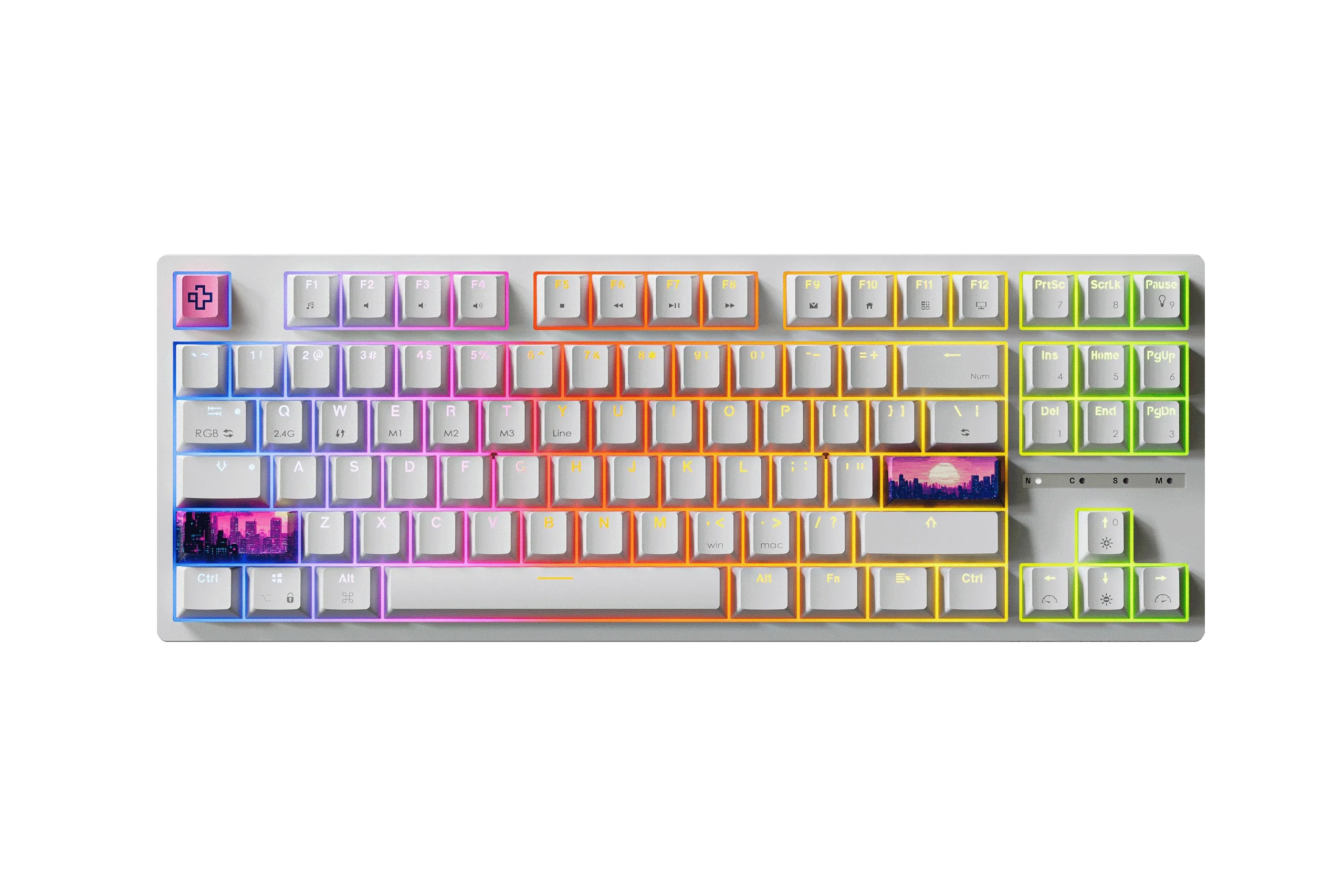
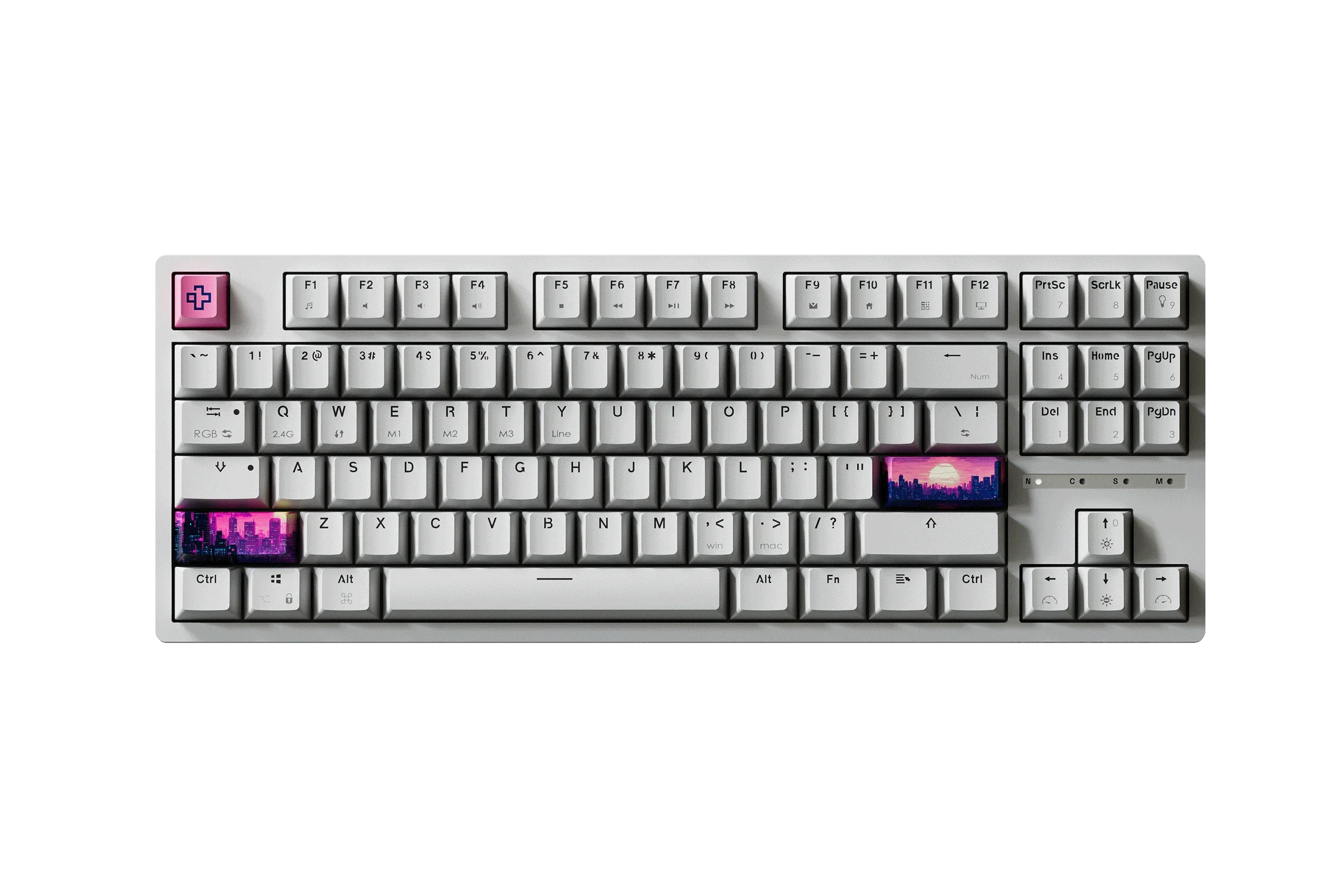
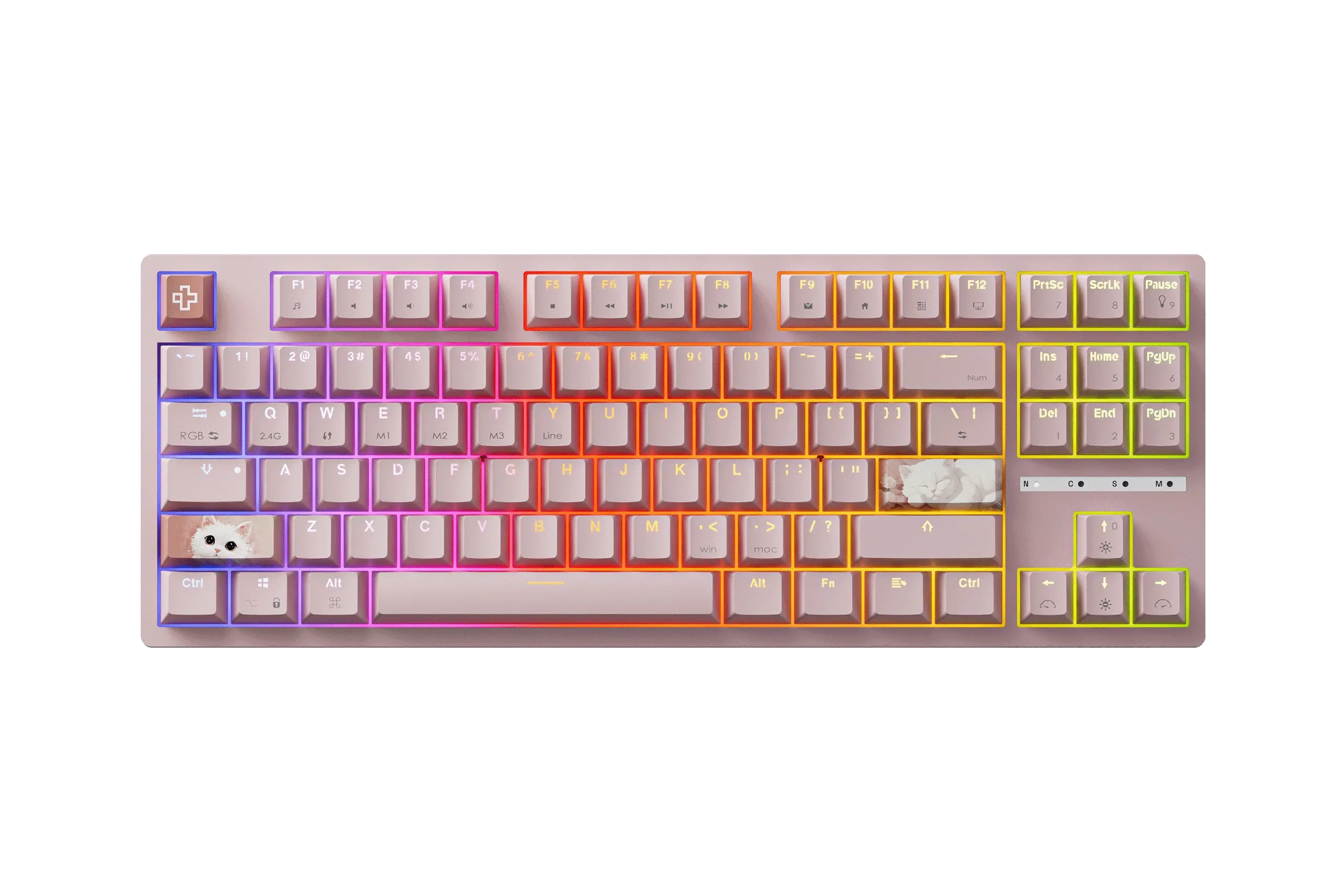
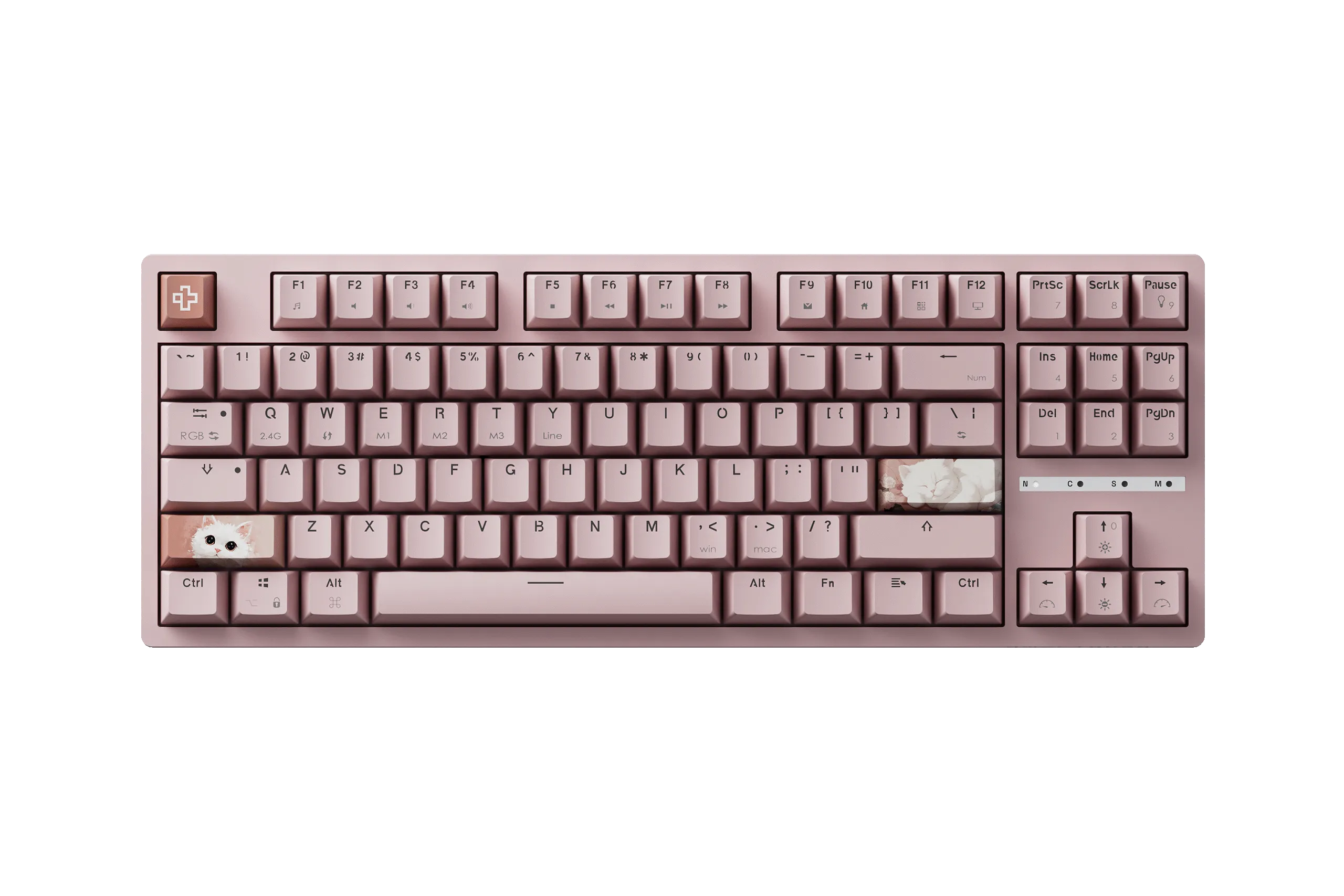
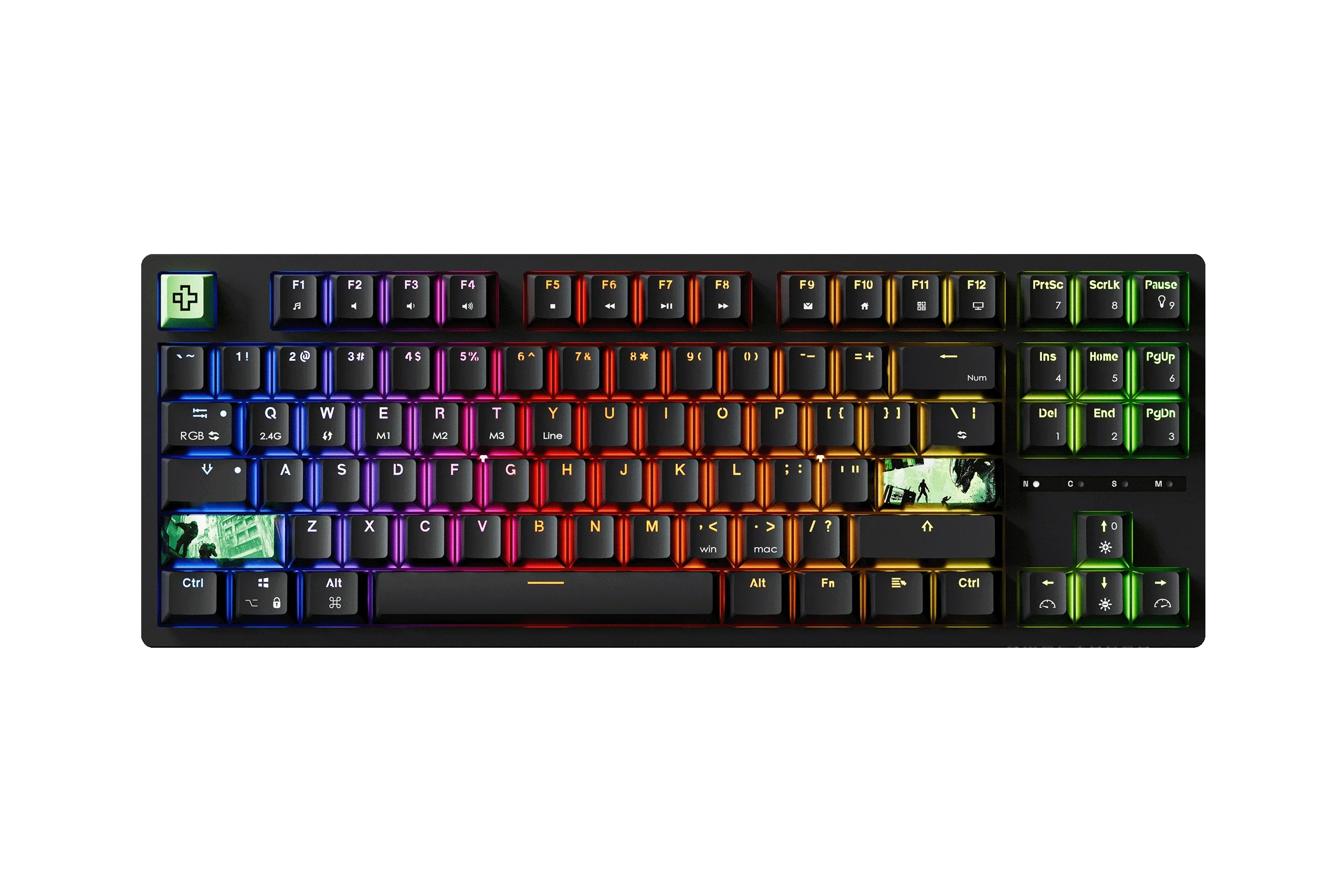
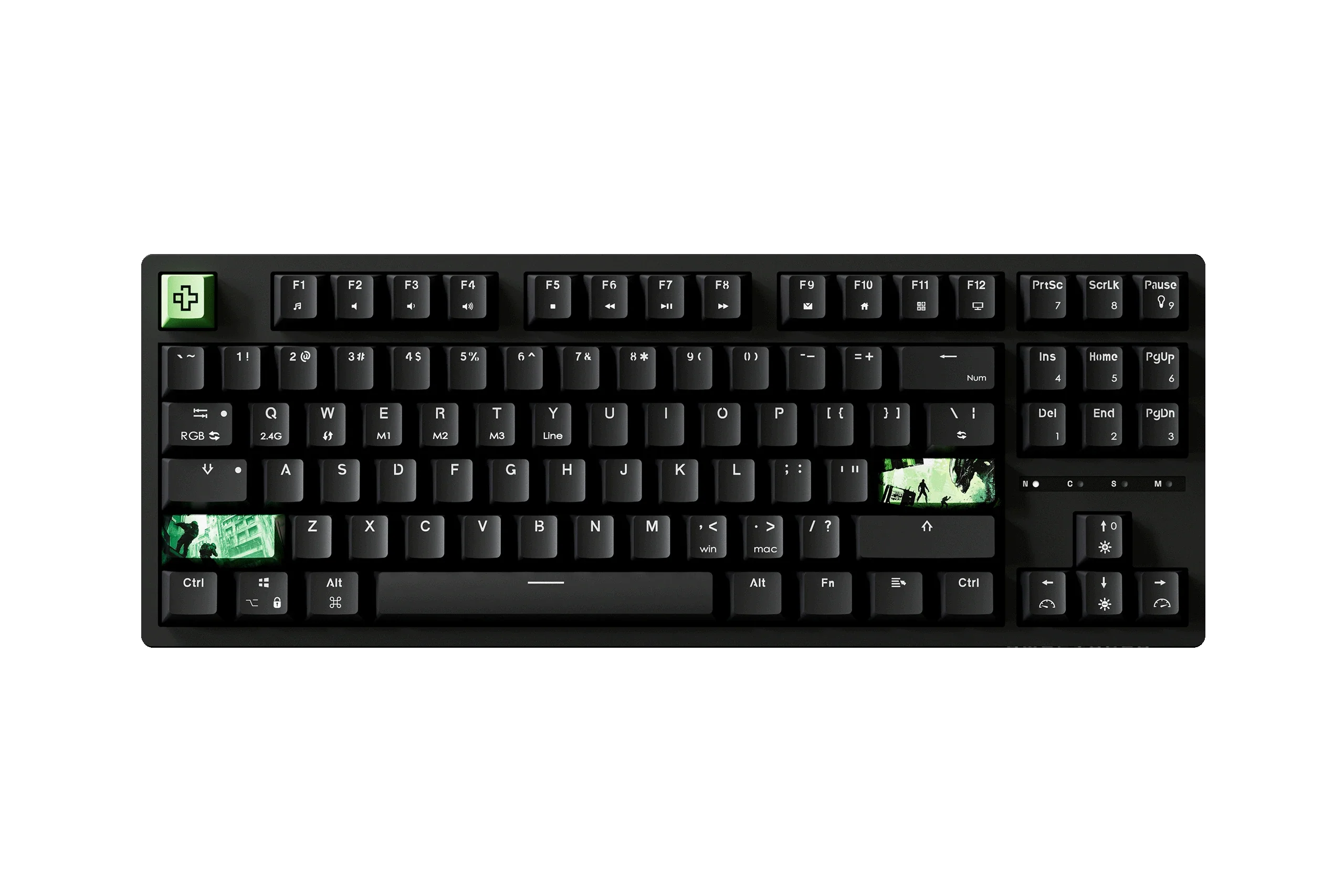
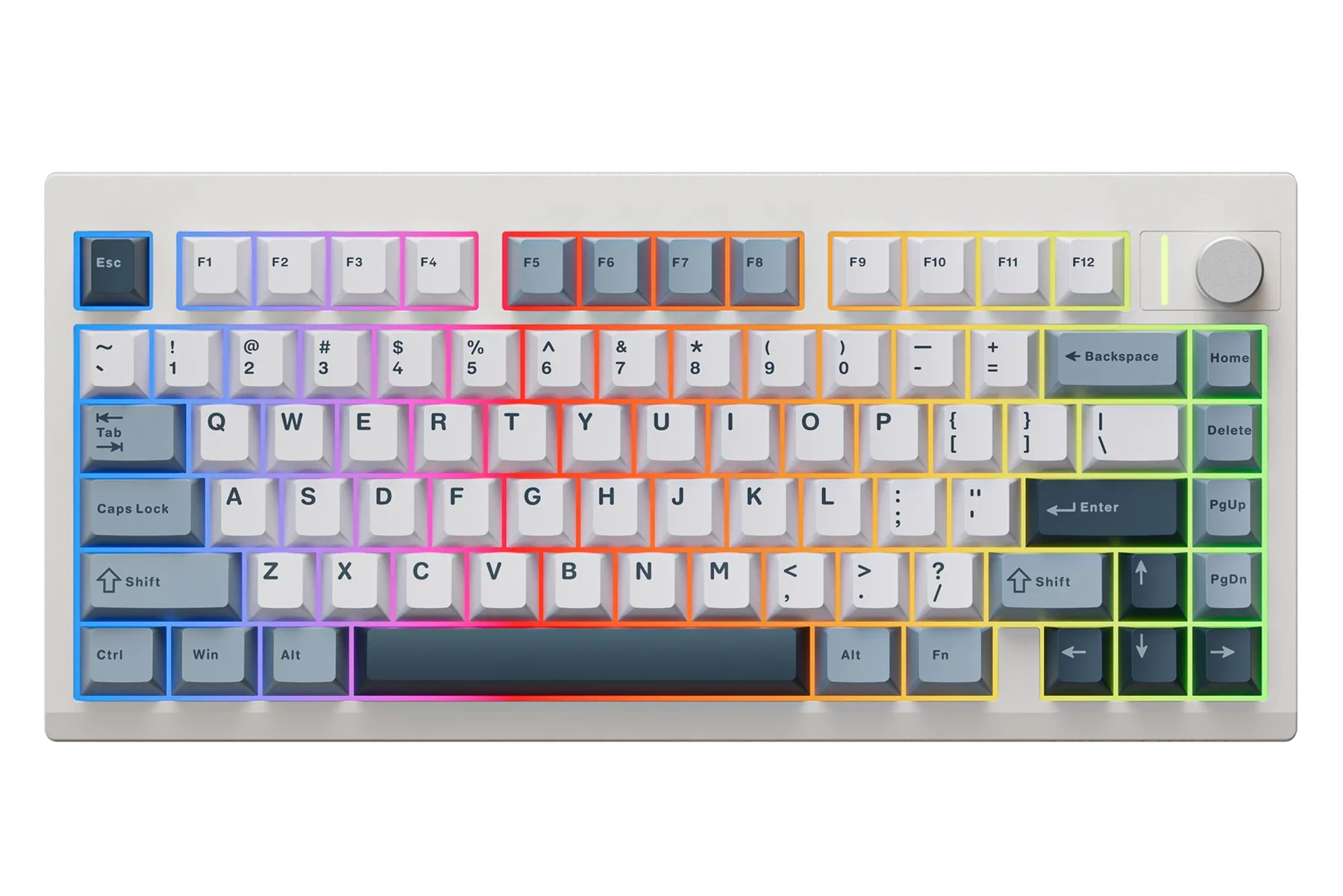
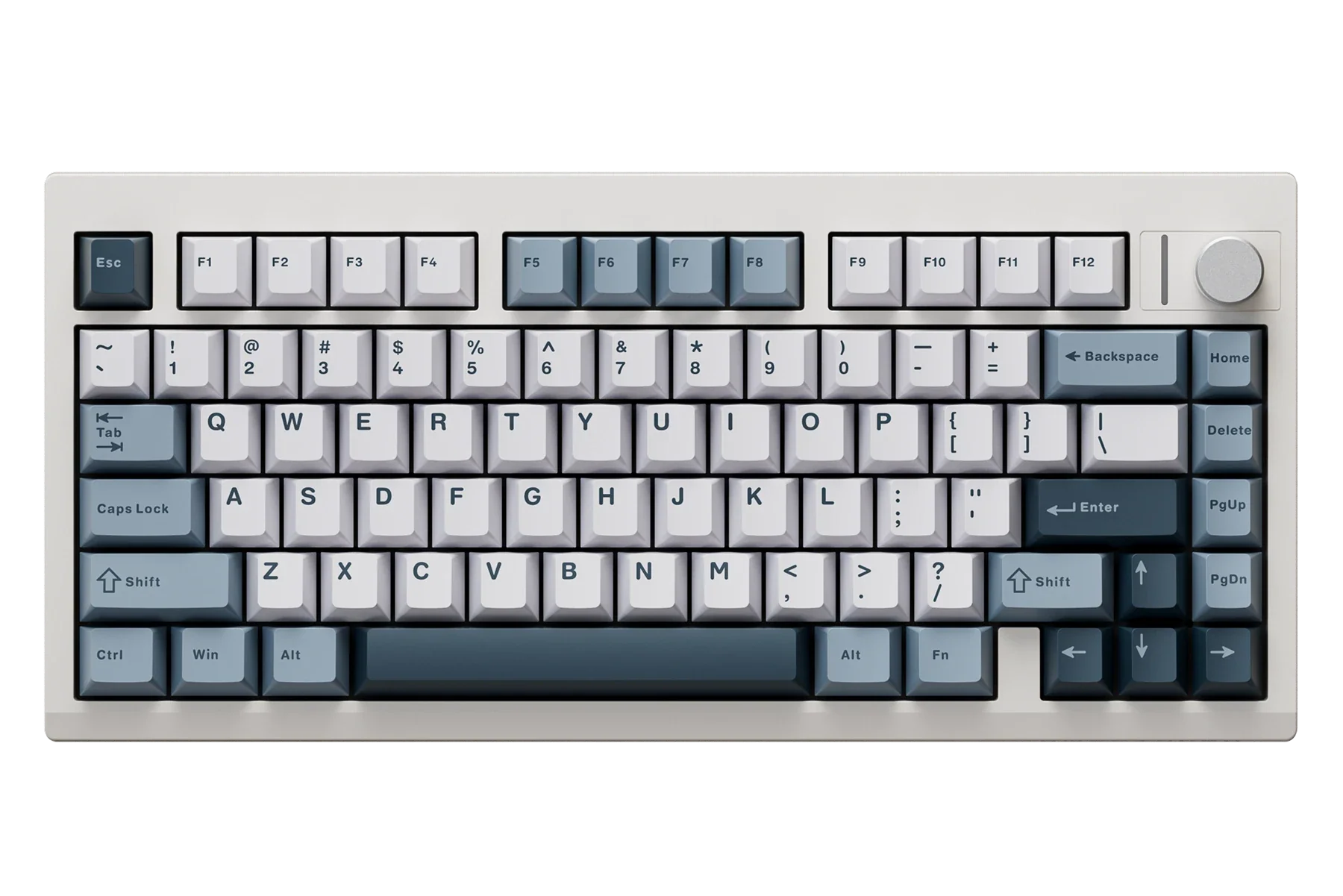
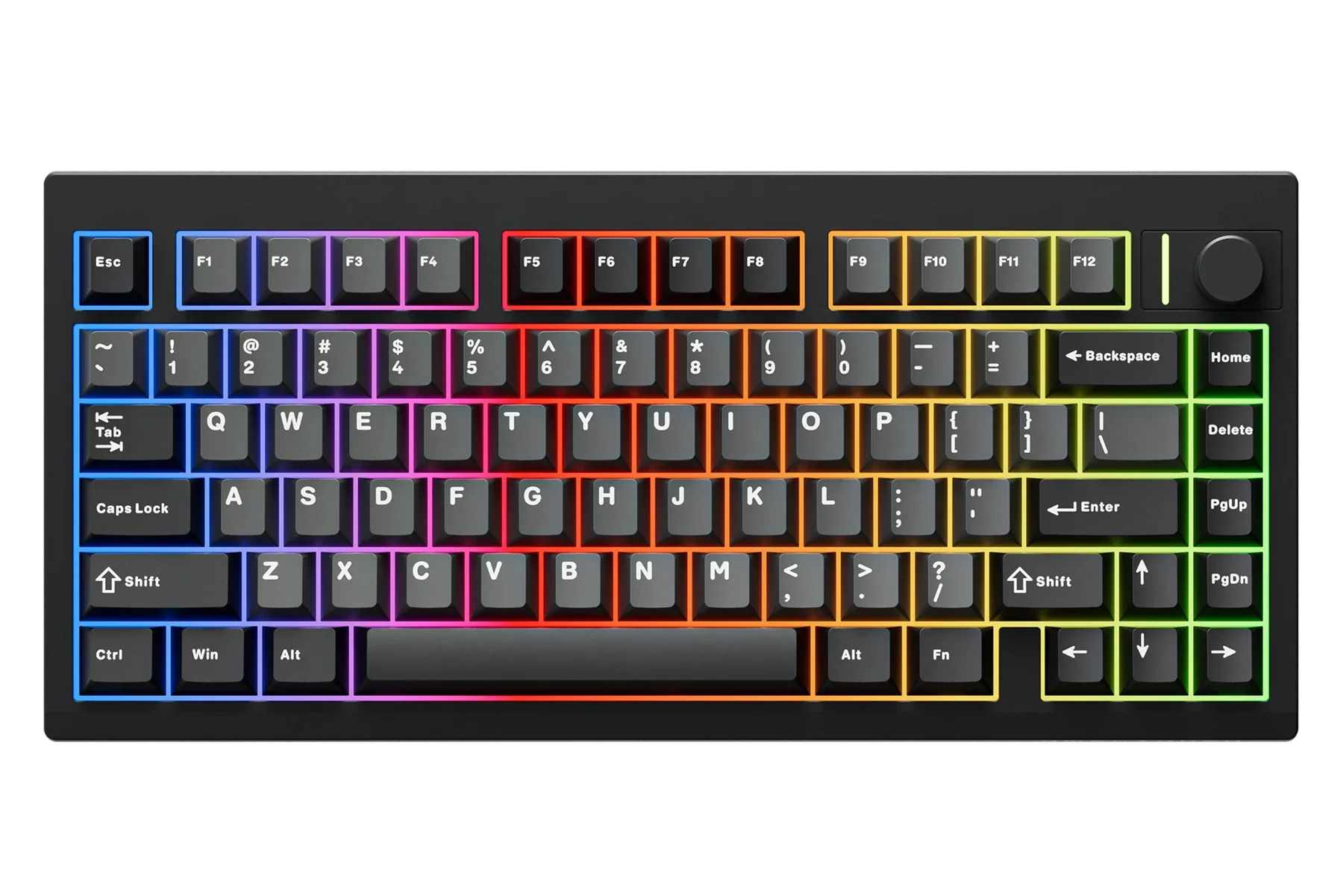
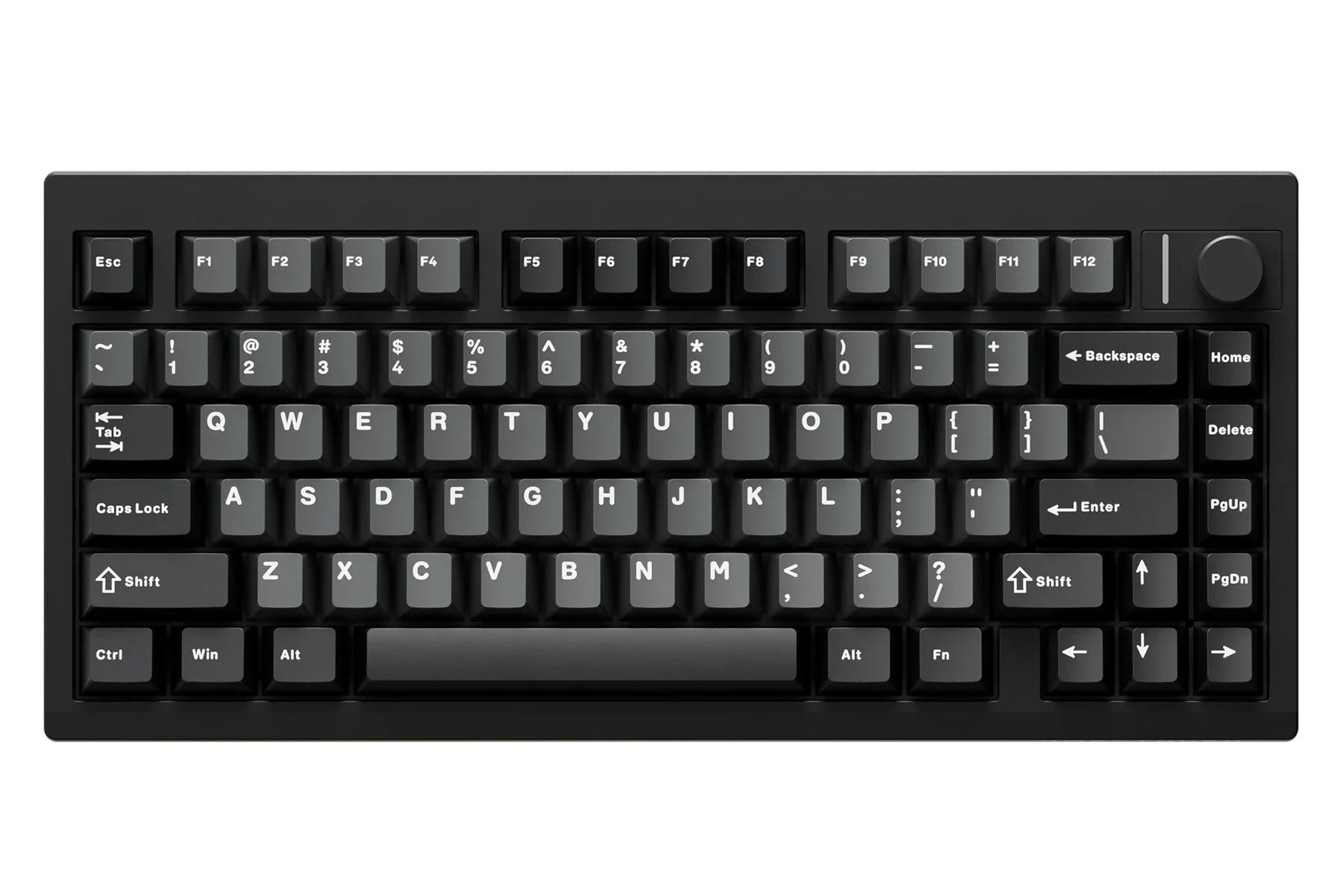
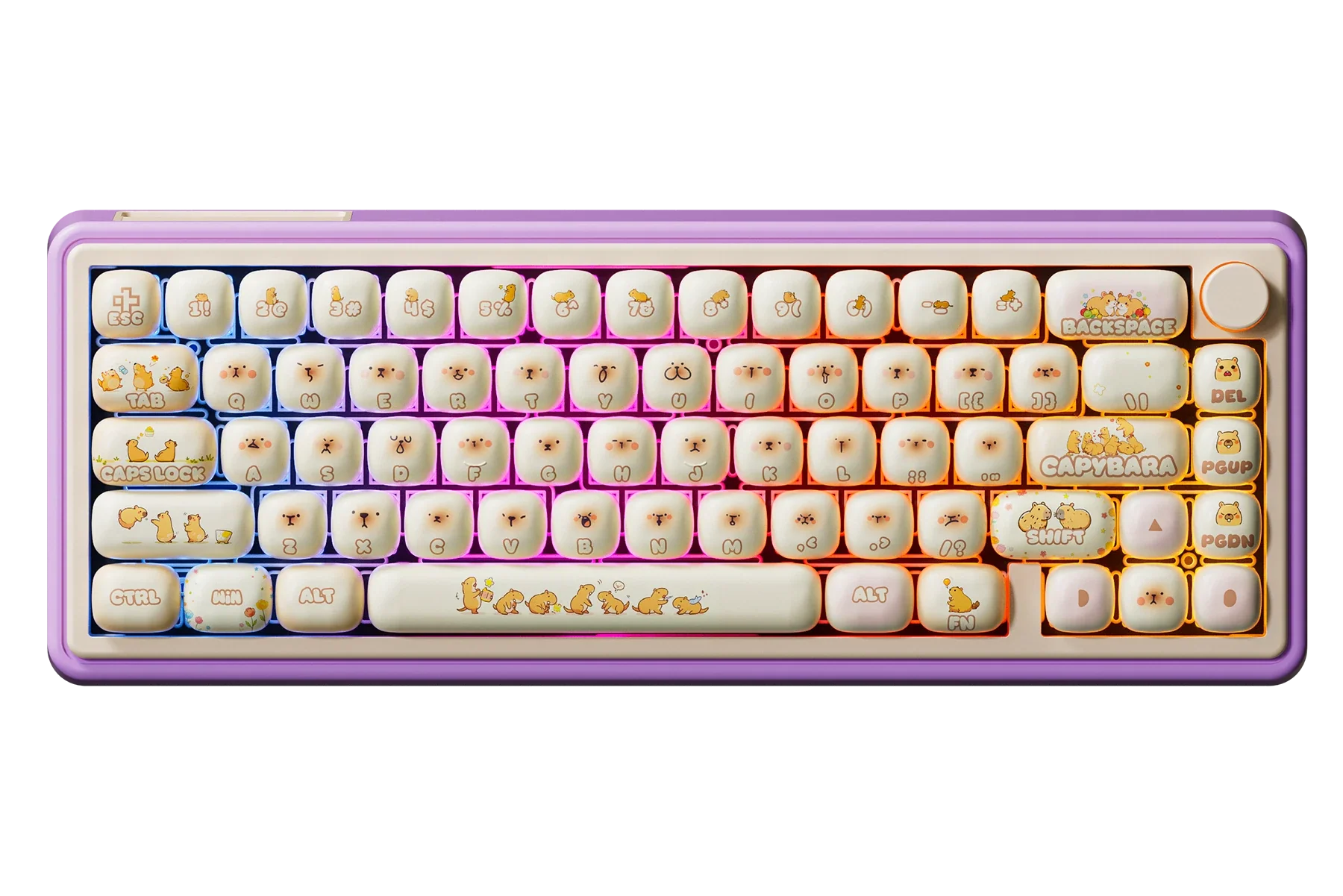
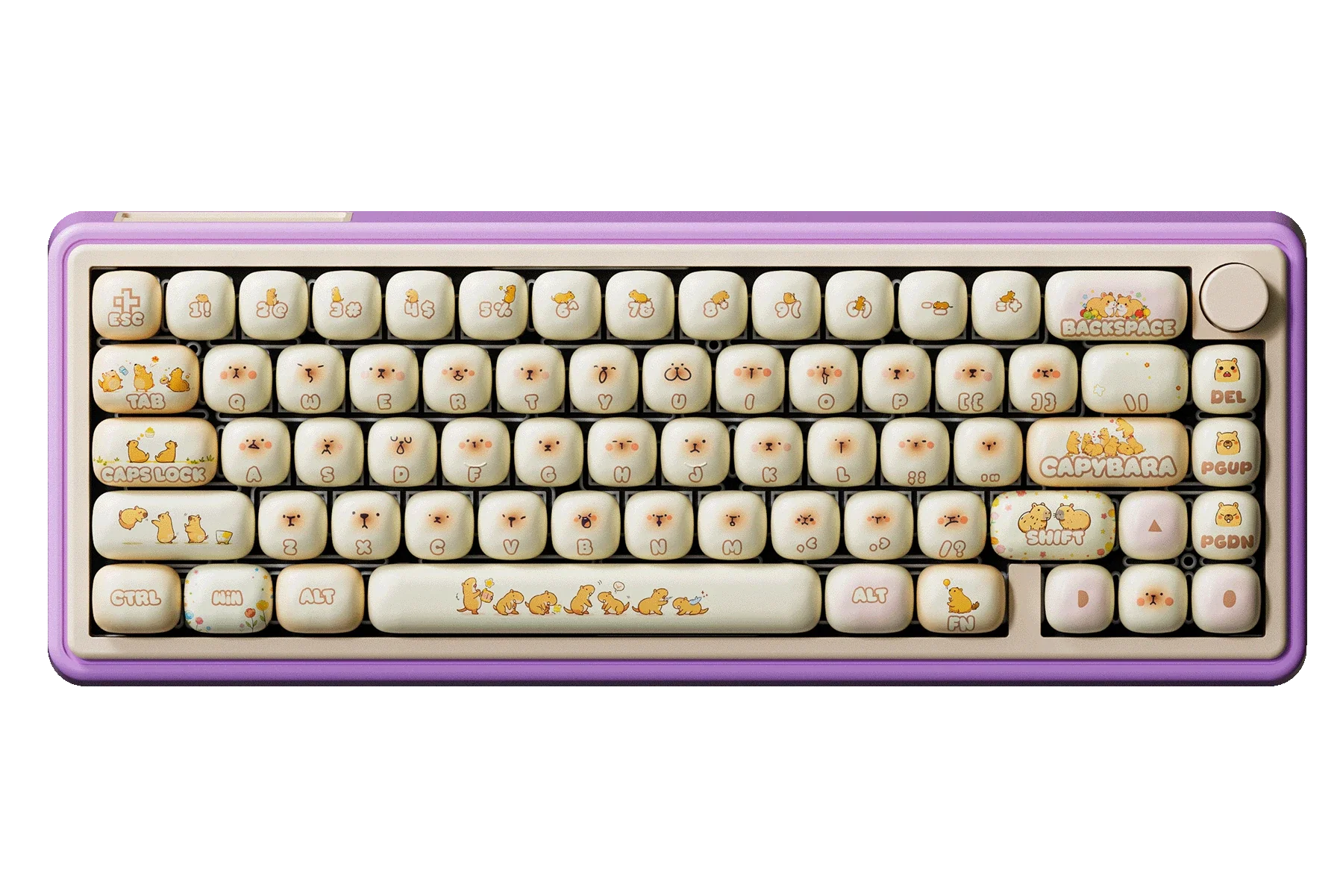
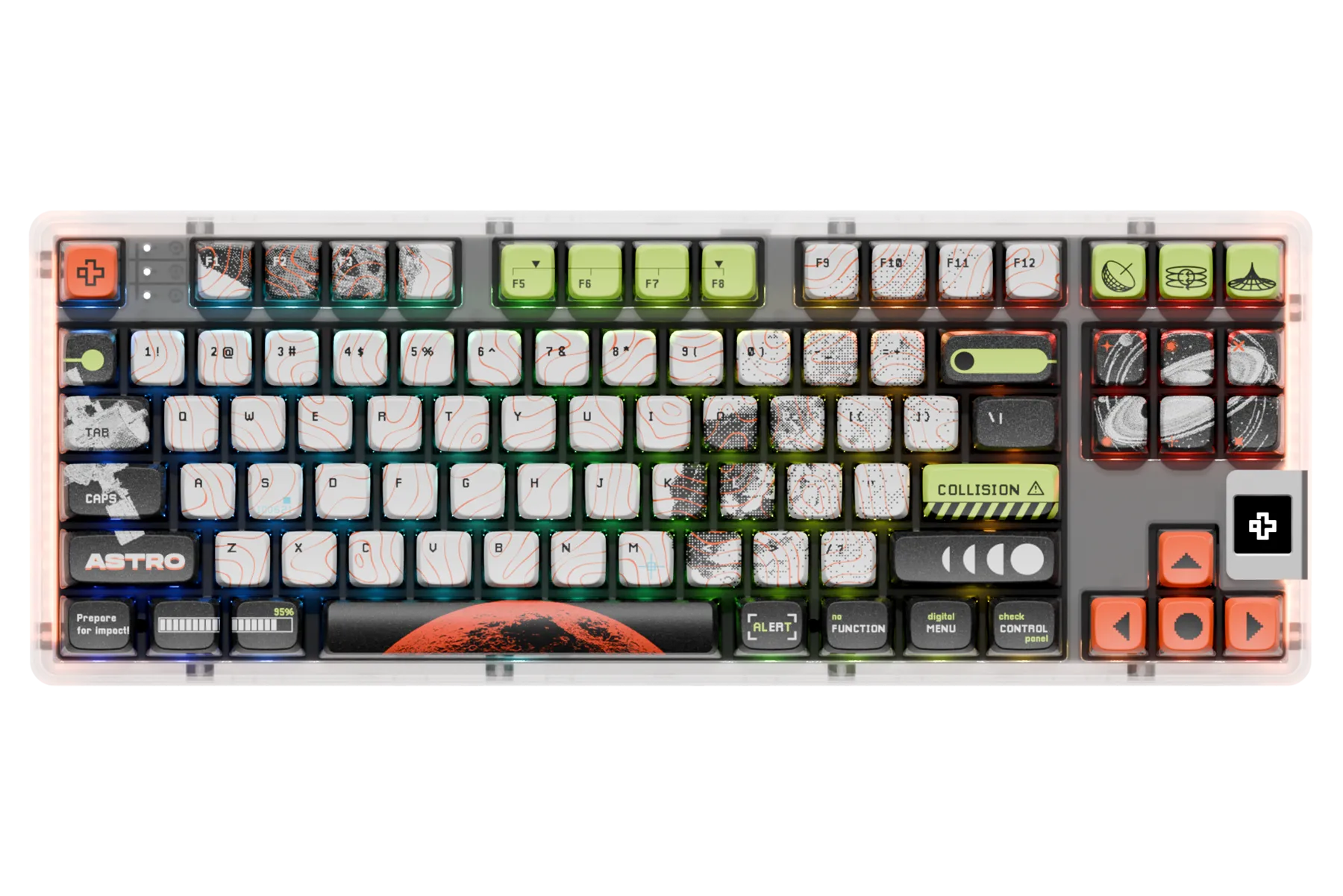
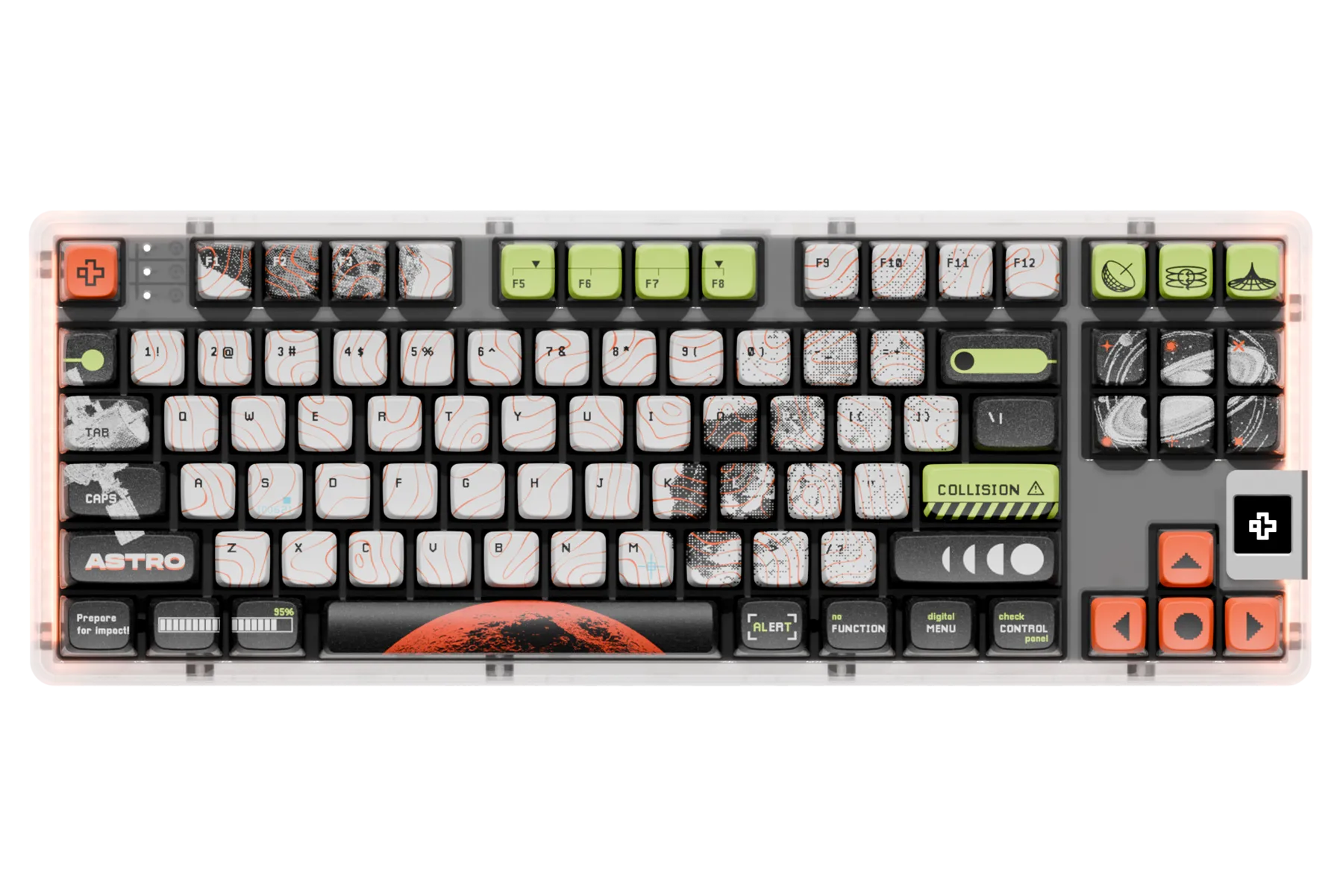
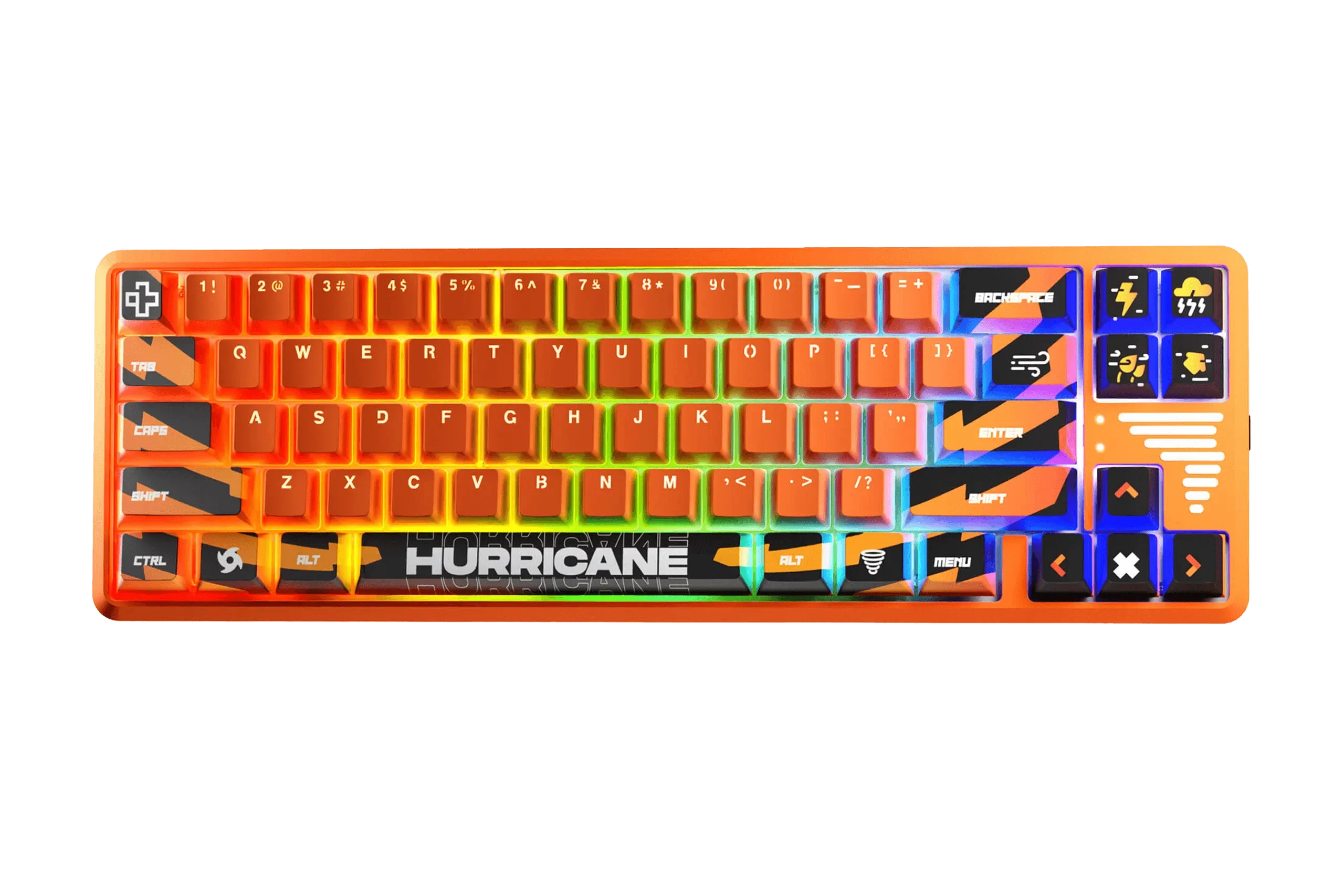
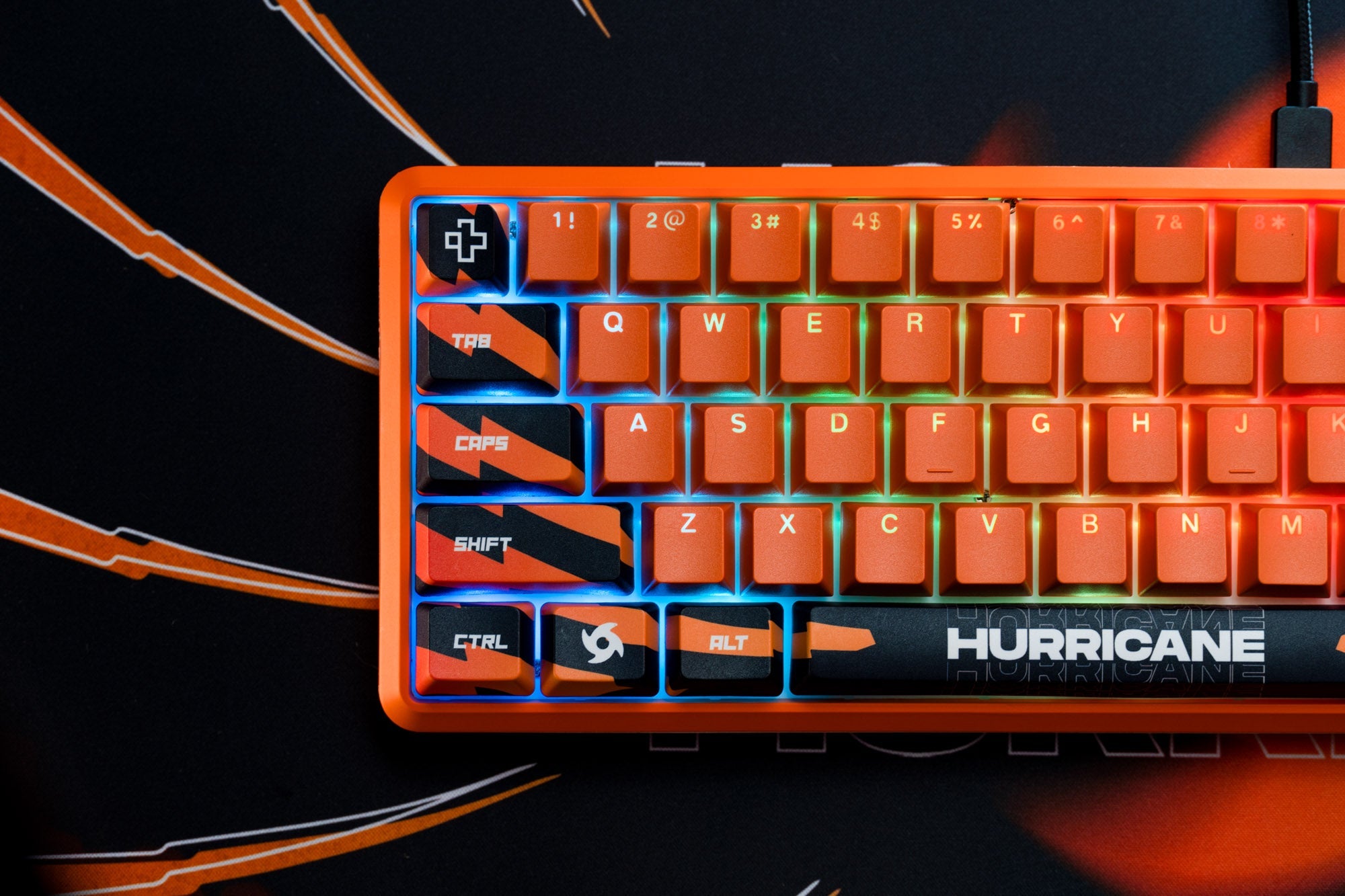
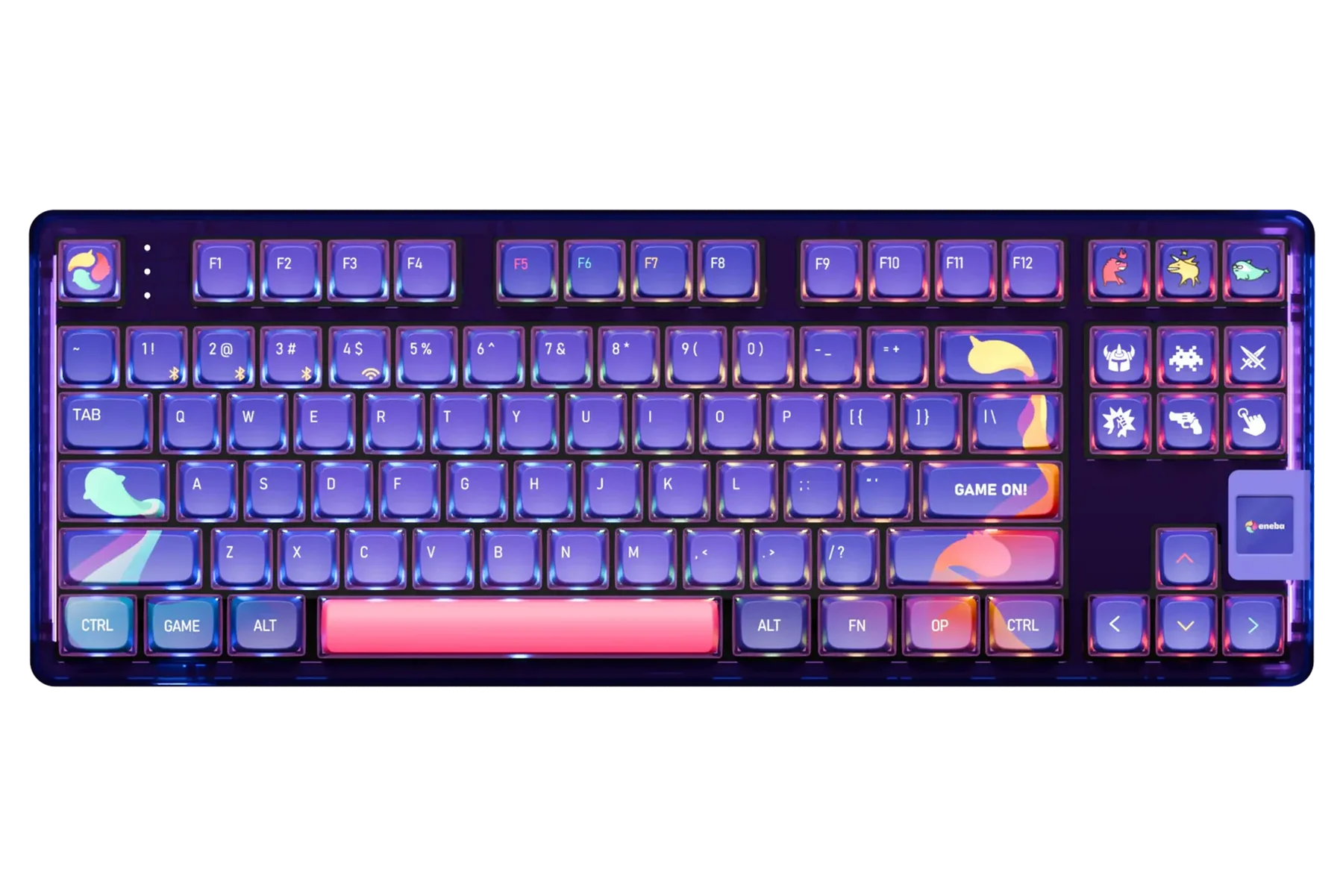
A mechanical keyboard is a computer peripheral that uses individual switches beneath each key. It delivers a superior typing experience with tactile and auditory feedback, and is known for its remarkable durability. Popular among serious gamers, mechanical keyboards are actually time-tested technology that has been around since the 1970s.
Why Choose QwertyKey Keyboards?
Our keyboards are designed to deliver a great experience straight out of the box, with minimal modifications needed. Most of our keyboards include a layer of foam inside the case to eliminate hollow echo. Additionally, most stabilizers come factory pre-lubed, giving keys like space, shift, enter, and backspace a smoother, quieter feel.
How to Choose a Mechanical Keyboard?
- Usage: It should match your personal needs — whether for gaming, typing, or general office work.
- Features: Consider elements like switch type, form factor, lighting, and customization options.
Switch Types:
- Tactile (Brown): Provide a noticeable bump at the actuation point without requiring a full press — ideal for typing and general use.
- Clicky (Blue): Produce a distinct click sound with each press, offering both auditory and tactile feedback — great for those who like confirmation of every keystroke.
- Linear (Red): Smooth, straight-down motion with no tactile bump — favoring fast, quiet keypresses, preferred by gamers who need speed.
Layout / Form Factor:
Form Factor:
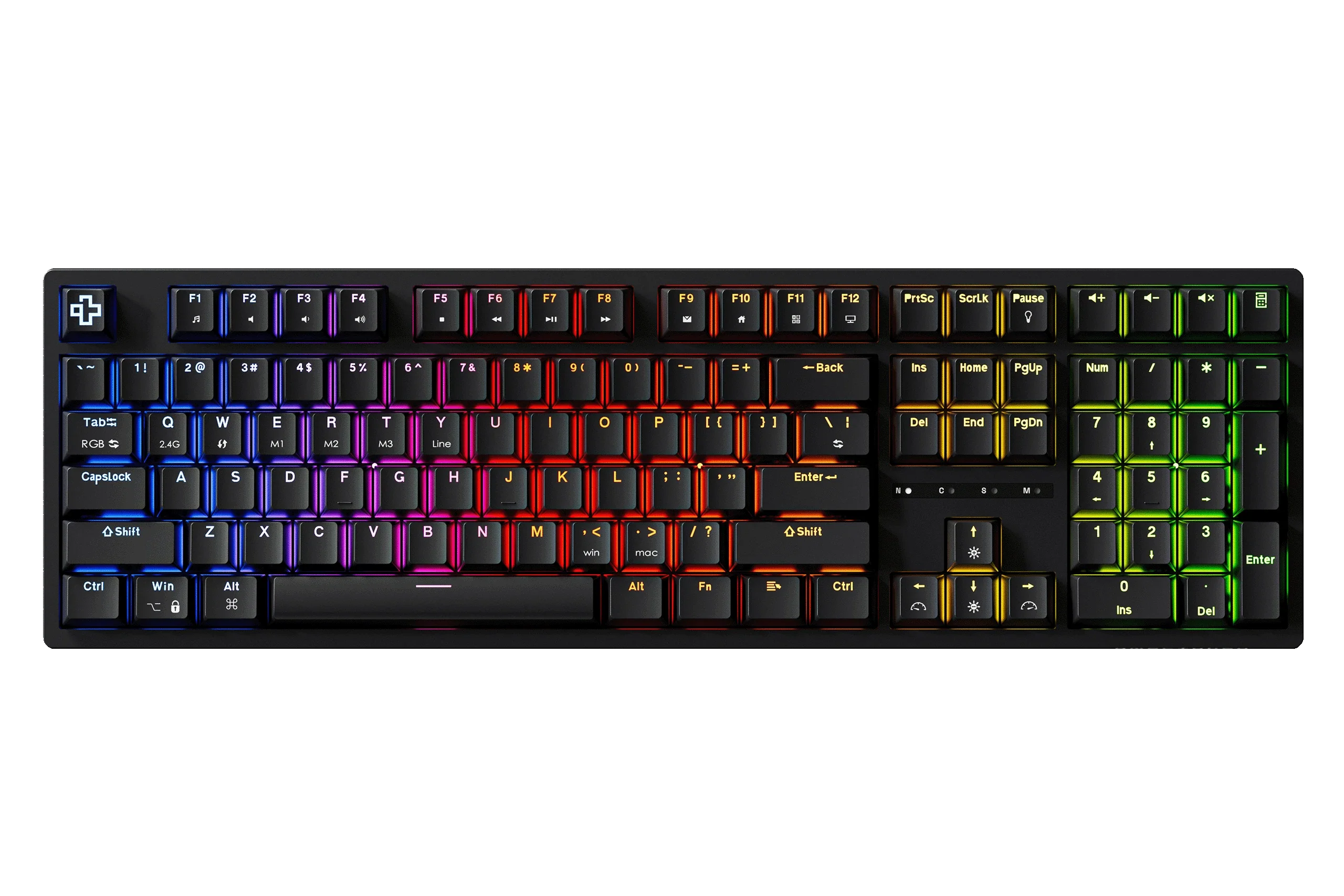
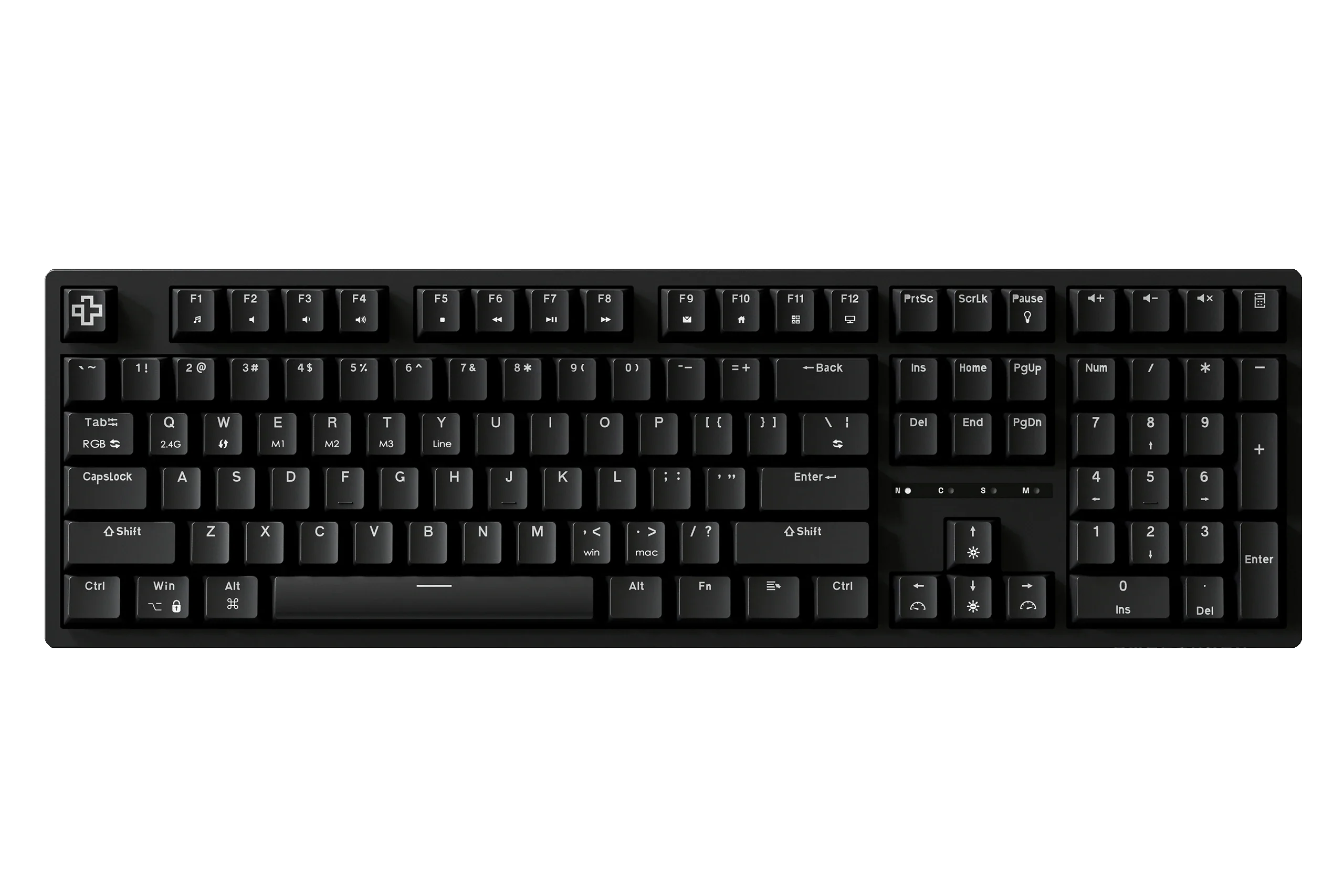
- Full Size: Includes all standard keys plus the number pad — ideal for those who need full functionality.
- Tenkeyless (TKL): Drops the number pad for a more compact, portable design.
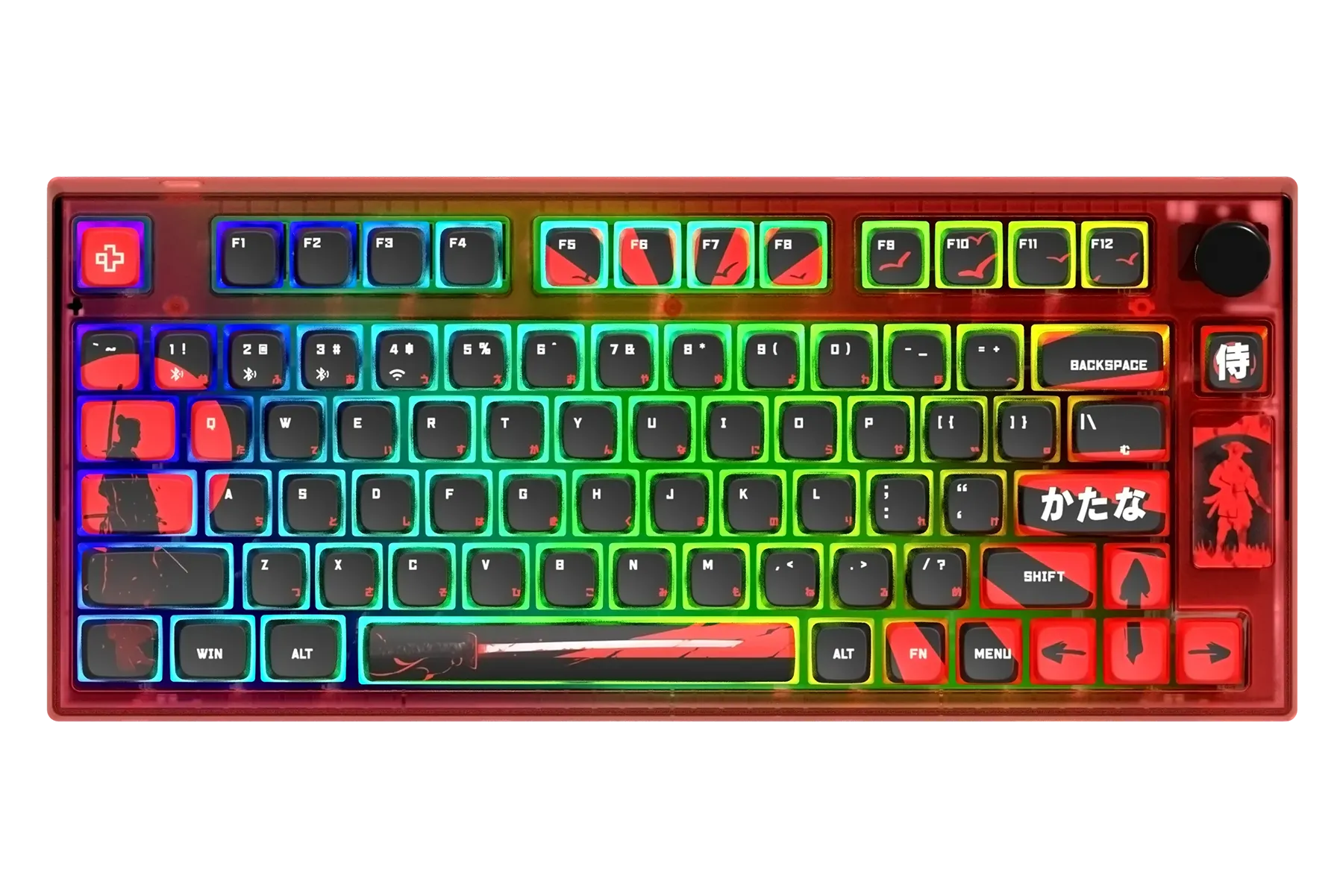
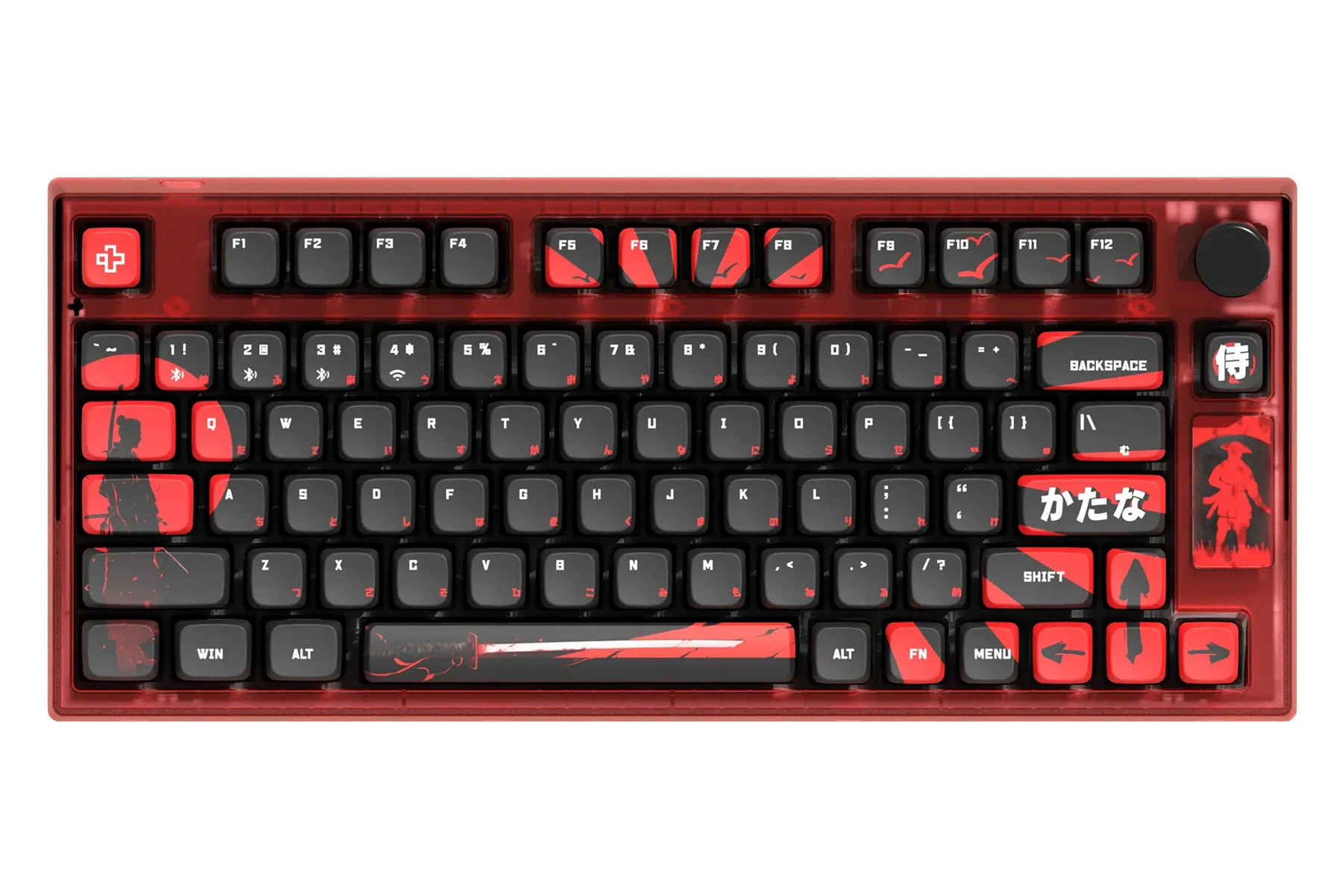
- 40% / 60% / 65% / 75% / 80% etc.: Minimizes size for maximum portability, sacrificing some secondary keys.
- Keypad: Specialized for specific functions like macros or quick commands.
Connectivity & Portability:
- Wireless / Bluetooth: Gives you the freedom to move your keyboard without cable restrictions — ideal for clean setups or TV gaming.
- Battery: Wireless models have varying battery life depending on lighting and usage.
- Wired: Limits positioning based on cable length but removes battery concerns entirely, drawing power directly from your PC, console, or device.
Extra Keys:
- Macros: Let you program repetitive actions to save time — valuable in complex games or repetitive office tasks.
- Media Keys: Provide quick control over media playback — useful for multitasking or while streaming content.
What Does Hot-Swap Mean?
A hot-swap keyboard lets you replace the switches — not just the keycaps — without soldering, unlike most standard keyboards.
Why Choose a Hot-Swap Keyboard?
Most users want to try different switch types, since some discover their original choice is too loud or too quiet. Plus, if you plan to lube your switches, hot-swap lets you pull them out with a simple tool — usually included in the box.